



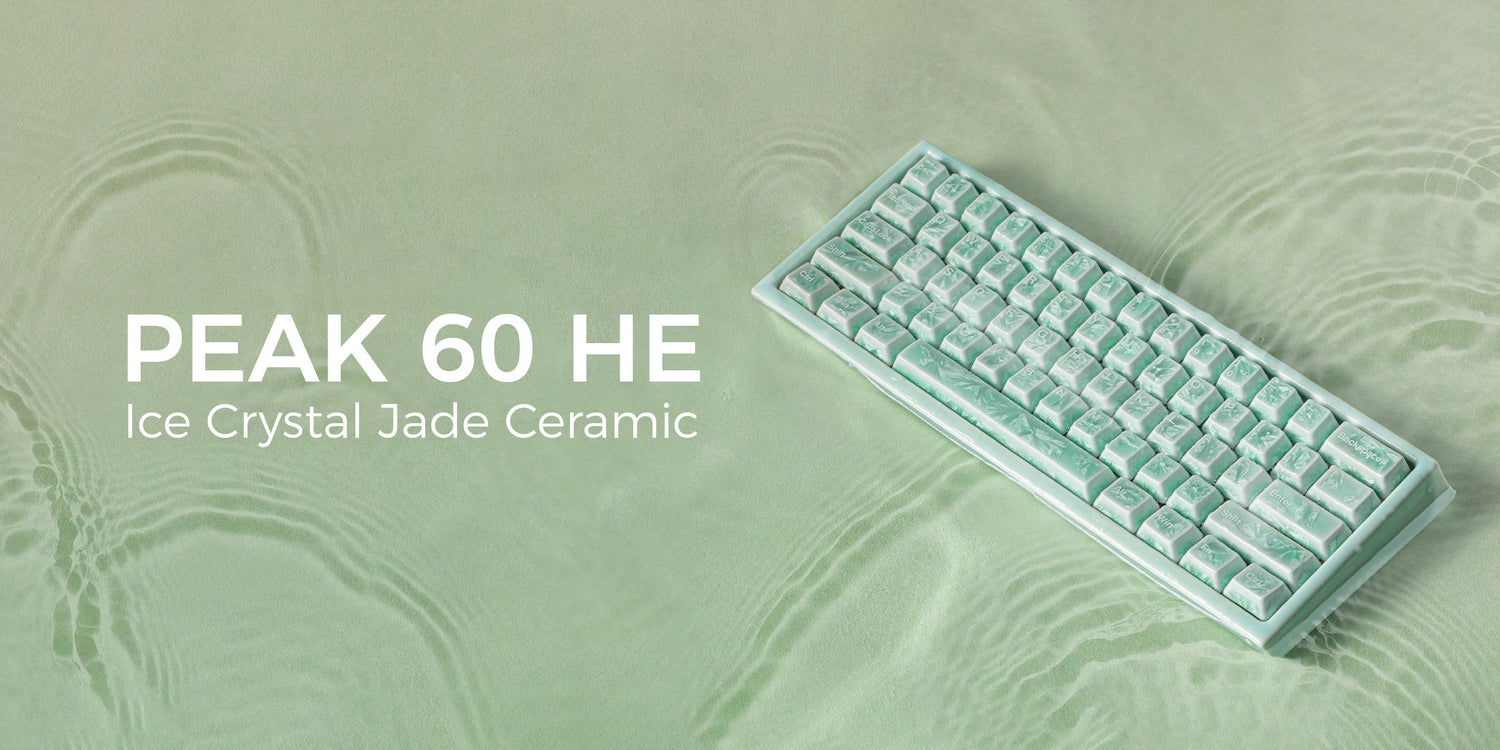
If you’ve been scrolling through tech TikTok, lurking on Reddit’s r/MechanicalKeyboards, or watching competitive Valorant streamers lately, you’ve probably seen two letters popping up everywhere: HE.
People are claiming these keyboards feel like "cheating" or that they instantly improve your aim. But what actually is an HE keyboard, and is it worth shelving your trusty mechanical deck for one?
Let’s break down the tech, the hype, and whether you actually need to make the switch.
What Does "HE" Stand For?
HE stands for Hall Effect. While it sounds like something straight out of a sci-fi movie, the Hall Effect is a physics principle discovered by Edwin Hall way back in 1879. In short, it measures the variation in voltage when a magnetic field passes through a conductor.
Apply that to keyboards, and it means HE keyboards use magnets instead of physical metal contacts to register your keystrokes.
Here is the difference in plain English:
- Traditional Mechanical Keyboards: When you press a key, a piece of metal physically touches another piece of metal to send an electrical signal to your PC.
- HE (Magnetic) Keyboards: When you press a key, a magnet moves closer to a sensor on the PCB. The sensor measures exactly how close the magnet is. No physical contact required.
Why is Everyone Obsessed with HE Keyboards? (The Features)
Because HE keyboards measure the precise distance of a keypress rather than just a simple "on/off" switch, they unlock features that traditional keyboards physically cannot do.
1. Rapid Trigger (The Real Game-Changer)
On a standard keyboard, once you press a key, you have to let it come almost all the way back up past a fixed "reset point" before you can press it again.
With Rapid Trigger, the key resets the exact millisecond you start lifting your finger, even by as little as 0.1mm. This allows for insanely fast spam-pressing and pixel-perfect counter-strafing in tactical shooters like Counter-Strike 2 or Valorant.
2. Adjustable Actuation Points
Do you like a super sensitive key for gaming but a deeper, heavier press for typing out essays? With an HE keyboard, you don't need to swap switches. You can use software to change how deep you need to press the key to register a click—ranging anywhere from a hair-trigger 0.1mm to a deep 4.0mm.
3. Dynamic Keystrokes (DKS)
Because the sensor knows exactly where the key is, you can bind multiple actions to a single keypress. For example: press a key halfway down to walk, and press it all the way down to run.
4. Insane Durability
No metal friction means no wear and tear. Standard mechanical switches usually last around 50 to 100 million clicks. Magnetic HE switches easily breeze past the 100 million to 150 million click mark without degrading.
HE vs. Traditional Mechanical Keyboards
| Feature | HE (Magnetic) Keyboards | Traditional Mechanical Keyboards |
| Switch Mechanism | Magnets & Hall Effect Sensors | Physical Metal Contacts |
| Actuation Point | Fully Adjustable (0.1mm - 4.0mm) | Fixed (Pre-determined by switch type) |
| Rapid Trigger | Yes (Dynamic reset) | No (Fixed reset point) |
| Lifespan | Ultra-high (No physical friction) | High (Prone to metal fatigue over time) |
| Customizability | High software control, limited switch compatibility | High physical modding (caps, lubing, switches) |
Who is an HE Keyboard Actually For?
Let's be real for a second. If you mostly use your computer for Microsoft Excel, casual browsing, or playing turn-based RPGs, you do not need an HE keyboard. The typing experience is smooth, but it won't revolutionize your life.
However, you should absolutely look into getting an HE keyboard if:
- You play competitive FPS games (Valorant, Apex Legends, CS2, Overwatch) where milliseconds dictate who wins the fight.
- You play rhythm games like osu! where rapid-fire inputs are mandatory.
- You love customizing your hardware behavior via software.
Companies like Wooting paved the way with the legendary Wooting 60HE, but nowadays, industry giants like SteelSeries, Razer, and Keychron are all bringing their own magnetic magic to the table.
FAQ: Everything Else You Need to Know
Q: Do HE keyboards feel different from normal mechanical keyboards?
A: In terms of smoothness, yes. Because there are no leaf springs or metal pins rubbing together inside the switch, HE switches feel incredibly smooth and linear. However, if you are a die-hard fan of "clicky" (like Cherry MX Blue) or "tactile" (like Browns) switches, you might miss that physical bump, as 99% of HE switches on the market are completely linear.
Q: Can I swap keycaps on a Hall Effect keyboard?
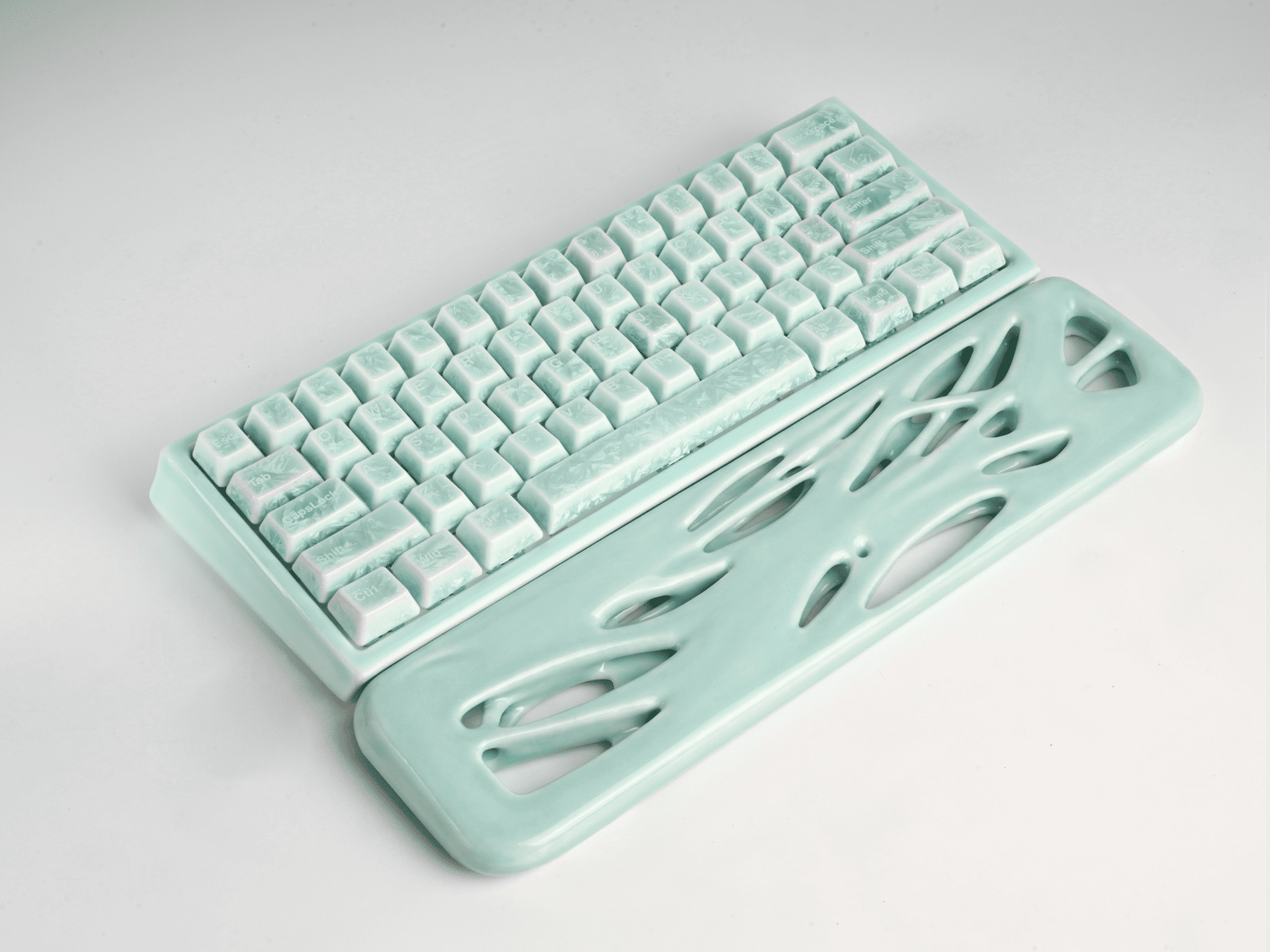
A: Yes! Most modern HE switches (like Gateron Magnetic, Lekker, or Raesha) use the standard MX-style cross stem. This means you can easily customize your board with any standard aftermarket keycaps. If you want to elevate your setup, check out our latest premium custom keycap collections to find a style that matches your aesthetic.
Q: Can I use regular mechanical switches in an HE keyboard?
A: No. Traditional mechanical switches rely on 3-pin or 5-pin metal connections that plug into socket holes. HE keyboards require a specific PCB with Hall Effect sensors built underneath each key to read the magnet inside the switch. Standard switches simply won’t fit or function.
Q: Does an HE keyboard sound good?
A: Out of the box, older HE keyboards sounded a bit hollow and "clacky" because they focused entirely on performance. However, newer releases focus heavily on acoustics. Many now feature aluminum cases, silicone dampening pads, and pre-lubed switches that sound just as deep and satisfying ("thocky") as custom mechanical keyboards.
Q: What is the best HE keyboard right now?
A: The "best" depends on your budget and preferences. The Wooting 60HE+ remains the gold standard for competitive software optimization. If you prefer a wireless option or a traditional layout, the Razer Huntsman V3 Pro or SteelSeries Apex Pro offer excellent build quality, while brands like Keychron provide a great balance for typing and productivity.
The Verdict: Are They Worth It?
HE keyboards are not just a passing marketing gimmick. They represent a genuine paradigm shift in gaming hardware technology. The level of speed, customization, and responsiveness they offer makes them the new gold standard for competitive gaming.
If you are looking to upgrade your setup and want the absolute best performance edge money can buy, going magnetic is a no-brainer.
Curious about upgrading your setup? Check out our breakdown of the best gaming desk setups for competitive players to optimize your space for peak performance.


Laisser un commentaire
Ce site est protégé par hCaptcha, et la Politique de confidentialité et les Conditions de service de hCaptcha s’appliquent.