





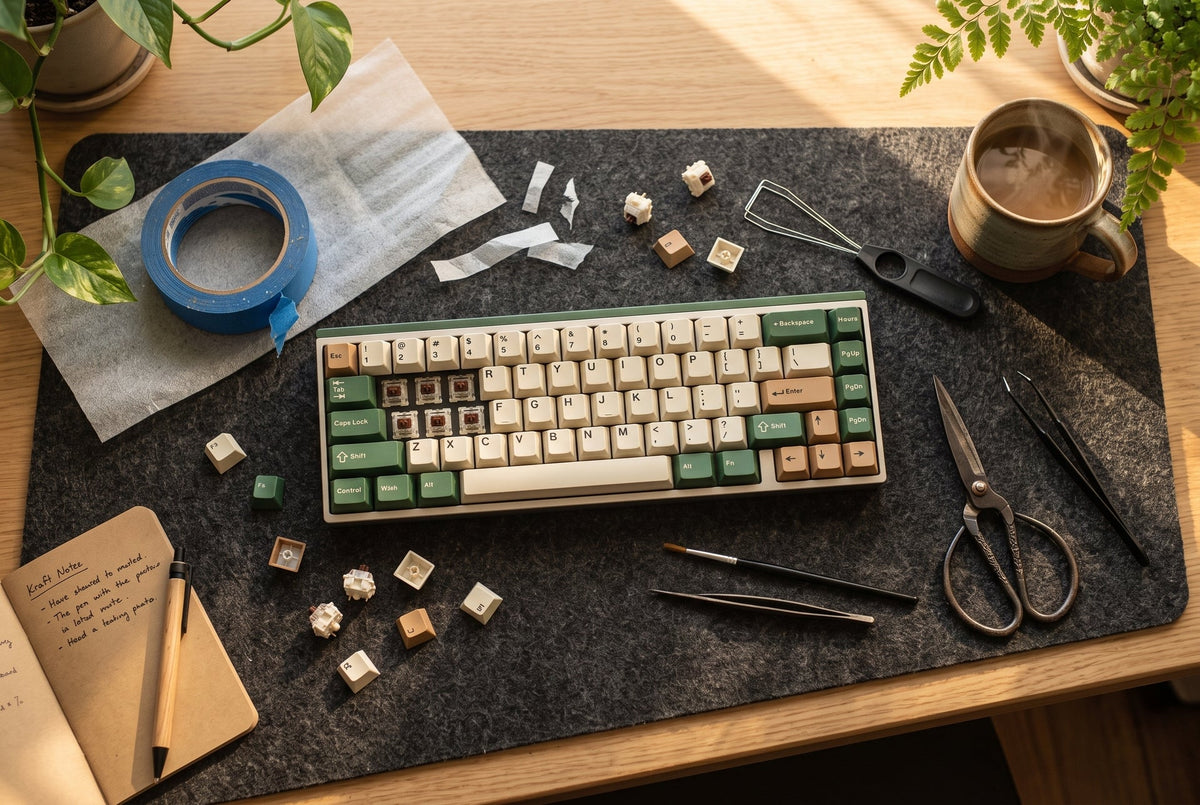
What Does "Creamy" Actually Mean? (And How Free Mods Fix It)
- Clacky: High-pitched, crisp, and sharp. Usually caused by switches bottoming out on aluminum plates or hollow plastic housings reverberating high frequencies.
- Thocky: Deep, bassy, and low-frequency. Think of dropping a heavy wooden block on a thick desk.
- Creamy: A sweet spot between the two. It is dense and muted, but carries a distinctive, rounded, marble-like pop on the bottom-out and upstroke.
The Zero-Dollar Toolkit
- Blue painter’s tape or basic paper masking tape (do not use duct tape or electrical tape).
- Thin PE (Polyethylene) packaging foam (the slightly squishy, semi-translucent 0.5mm–1mm sheet wrapped around laptops, monitors, or keyboards during shipping).
- Fabric band-aids or medical paper tape.
- A pair of scissors.
- A keycap/switch puller (or a sturdy metal paperclip bent into two U-hooks).
- A clean microfiber cloth, old cotton t-shirt, or polyfill from a retired throw pillow.
Mod 1: The Tempest Tape Mod (The Acoustic Filter)

Step-by-Step Execution:
- Disassemble your keyboard: Remove your keycaps and unscrew the top plate/PCB assembly from the bottom case.
- Inspect the back of the PCB: Clean away any dust or factory grease.
- Lay the first layer: Stretch a strip of painter's tape horizontally across the back of the PCB. Press it firmly against the soldered pins or hot-swap sockets.
- Add 1–2 more layers: Two to three layers provide the ideal sweet spot for a creamy tone. Four layers often make the board sound completely muted and dead.
- Trim access points: Cut small windows for the battery connector, USB port, and reset button.
⚠️ Safety Check: If your keyboard is wireless and uses a lithium-ion battery, do not cover the battery connector, and never use metallic/conductive tape (like silver duct tape or foil tape). Painter’s tape is non-conductive and completely safe.
Mod 2: The Packing Foam Mod (The Marble Machine)
Step-by-Step Execution:
- For Hot-Swap Boards: Pull your switches out. Cut a sheet of thin packaging foam (0.5mm to 1mm thick) to match the dimensions of your keyboard plate.
- Lay the foam: Place the foam directly on top of the PCB.
- Push switches through: Re-insert your switches directly through the foam into the sockets. The switch pins will pierce cleanly through the thin PE foam, sealing the perimeter around every single housing.
- For Soldered Boards: If you don't want to desolder, cut strips of PE foam and tuck them tightly into the floor of the case directly underneath the PCB. You get roughly 70% of the acoustic benefit without desoldering 61 individual switches.
Mod 3: The DIY Band-Aid Mod (Rattle Eradication)

Step-by-Step Execution:
- Pop off your stabilized keys (Spacebar, Enter, Backspace, Left Shift) and unclip the stabilizers.
- Cut your fabric band-aid into tiny rectangles matching the footprint where the stabilizer stem impacts the PCB.
- Peel and stick the band-aid strips directly onto the board where the stabilizer bottom hits.
- (Optional Holee Mod): Cut a microscopic strip of band-aid adhesive (roughly 2mm x 5mm) and thread it inside the stabilizer stem hole where the steel wire sits. This creates an internal fabric cushion that stops the metal wire from rattling against the plastic channel.
Mod 4: Case Deadening (Taming the Empty Reverb)
- Scrap Cotton / Microfiber Cloth: Fold an old clean 100% cotton t-shirt or a plush microfiber detailing cloth into flat layers and tuck it into the bottom tray. Cotton has uneven, fibrous density, which makes it exceptional at deadening low-mid echo.
- The Golden Rule: Do not overstuff the case. If the PCB bends when you tighten the screws back down, remove a layer. Forcing the board shut under extreme pressure will cause key binding and can strip screw threads.
Mod Comparison: Effort vs. Sound Impact
| Mod Name | Household Material | Sound Profile Change | Difficulty | Time Required |
| Tempest Tape Mod | Blue painter’s tape (2–3 layers) | Filters out high pings; deepens bottom-out pitch | Beginner | 15 mins |
| PE Foam Mod | 0.5–1mm packaging foam sheet | Adds immediate "marbly", poppy creaminess | Intermediate | 25 mins |
| Band-Aid / Holee Mod | Fabric adhesive bandage | Eliminates stabilizer wire rattle and ticking | Intermediate | 20 mins |
| T-Shirt / Poly Case Mod | Old cotton t-shirt or microfiber rag | Kills hollow plastic resonance in the case floor | Beginner | 10 mins |
| Desk Mat Dampening | Heavy mousepad or folded hoodie | Traps desk-bounce vibrations underneath the board | Beginner | 30 secs |
The Free Desk Acoustic Hack
- Test it now: Type a sentence with the board sitting on the bare desk. Now slide a thick bath towel or folded hoodie underneath the board and type again.
- Notice how the sound suddenly rounds off? The high clack disappears, leaving only the bottom-out tone.
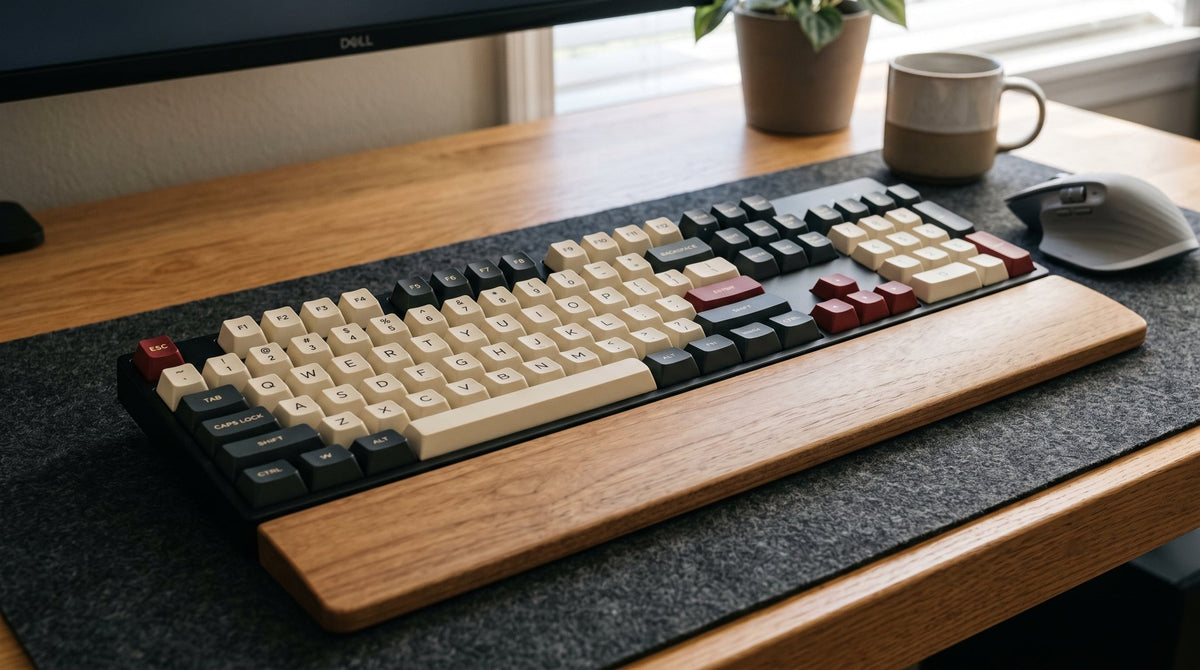
- If you don't have an extended desk mat yet, using a dense mousepad or placing the board on a felt placemat replicates the effect instantly.
When You Are Ready to Move Past "Free"
- Swap Thin Keycaps for Thick PBT: Upgrading to [Thick Doubleshot PBT Keycaps] alters sound dramatically. PBT is a denser polymer that naturally favors lower, creamier acoustic frequencies compared to thin stock ABS.
- Upgrade to Factory-Lubed Linear Switches: If you don't want to spend 4 hours hand-lubing with Krytox, picking up a set of modern [Pre-Lubed Linear Switches] gives you that buttery, fluid downstroke straight out of the box.
- Heavyweight Desk Protection: Swap temporary desk pads for an [Extended Stitched Desk Mat] to permanently deaden tabletop reverb.
Frequently Asked Questions
Can I use clear Scotch tape or duct tape instead of painter's tape?
No, absolutely not. Transparent household tape (Scotch tape) is too thin to alter acoustic resonance, and its adhesive leaves a gummy, destructive residue on your PCB traces over time. Duct tape is even worse—it contains heavy adhesives and sometimes conductive metallic compounds that risk short-circuiting your electronics. Stick strictly to blue or green painter's masking tape; it is non-conductive, acoustically dense, and peels away cleanly without damaging delicate surface-mount components.
Can I use cooking oil, WD-40, or Vaseline as a free switch lubricant?
Never put cooking oil, WD-40, or petroleum jelly inside your switches or stabilizers. Cooking oil goes rancid, turns gummy, and attracts dust; WD-40 is a solvent that degrades and melts plastics; and Vaseline dissolves polycarbonate switch housings and rubber O-rings. If you do not have dedicated keyboard lubricants like Krytox 205g0 or TriboSys 3203, leave your switches dry. The Tempest Tape Mod and PE Foam Mod will deliver 85% of that creamy marble tone without chemically destroying your hardware.
Is the tape mod safe for wireless keyboards with lithium-ion batteries?
Yes, provided you take two mandatory precautions:
- Never cover the battery connector or wrap tape directly over the battery pouch. Lithium-ion batteries generate heat during charging cycles and require ambient ventilation.
- Cut clean access windows around the battery harness, Bluetooth antenna trace, and physical power switches. High-grade painter’s tape is non-conductive and electrically safe over circuit traces, but leaving clearance prevents mechanical pinching and heat buildup inside tight cases.
Will these DIY mods void my keyboard warranty?
If your prebuilt keyboard features a "Warranty Void If Removed" sticker over one of the chassis screws, puncturing it can complicate warranty claims depending on regional consumer laws. Furthermore, accidental physical damage—such as tearing a hot-swap socket off the solder pad while pressing switches back through PE foam—is not covered by manufacturers. Always support the back of the PCB with your fingers when reinserting switches to avoid popping sockets loose.
Why does my spacebar feel mushy or stick after the Band-Aid mod?
A sluggish or mushy key return means the band-aid padding is too thick, causing the stabilizer stem to bottom out prematurely or bind against the housing. To fix this:
- Remove the stabilizer and ensure the fabric rectangle sits completely flat beneath the landing zone without climbing the outer walls.
- If using thick fabric bandages, peel off the top woven layer or replace it with a single layer of thin medical paper tape (Micropore tape).
What is the exact difference between "creamy" and "thocky"?
"Thock" describes a deep, bassy, low-frequency sound signature reminiscent of dropping a heavy wooden block onto a solid desk—typically achieved with heavy aluminum or polycarbonate cases, deep switch housings (like nylon), and dense bottom silicone. "Creamy" sits slightly higher in the mid-frequency acoustic spectrum; it is concentrated, rounded, and snappy, mimicking the sound of polished marbles colliding. The PE Foam Mod is the single biggest driver of creaminess, while case mass drives thock.

コメントを書く
このサイトはhCaptchaによって保護されており、hCaptchaプライバシーポリシーおよび利用規約が適用されます。