




もしあなたが『エーペックスレジェンズ』、『VALORANT』、『オーバーウォッチ2』のような競技性の高いタクティカルシューターゲームで時間を過ごしたことがあるなら、その変化に気づいていることでしょう。布製マウスパッドは、特に湿度が高い夏の日に、まるで濡れた砂の中をマウスを引きずっているように感じられることがあります。
ガラス製マウスパッドへの変更は単なる流行ではありません。それは物理的なフィードバックの完全な変化です。静止摩擦ゼロ、瞬時の微調整、そして決して劣化しない表面。しかし、過去2年間で市場にガラス製マウスパッドが溢れかえったため、「最高のもの」を選ぶのが難しくなりました。中にはトラッキング制御を損なうほど滑りやすいものや、デスクのグリップが不十分なもの、あるいは簡単に傷がつくものもありました。
私はこの3ヶ月間、話題になっているガラス製マウスパッド5枚を使い、毎日のエイムトレーニングセッション、高DPIフリックテスト、そして生産性向上作業を行いました。どのガラス製マウスパッドが実際にお金を出す価値があるのか、実体験に基づいた分析をここに示します。
クイック比較:主要ガラス製マウスパッド一覧
| モデル | 表面仕上げ | 寸法 | ベース安定性 | 最適な用途 |
| WALLHACK SP-004 (旧SkyPAD) | 超滑らかマイクロエッチング | 490 x 430 mm | 全面シリコングリッド | 純粋なスピード&高速トラッキング |
| Razer Atlas | プレミアム撥油性エッチングガラス | 450 x 400 mm | 滑り止めゴム | 静かな滑り&デスクの美しさ |
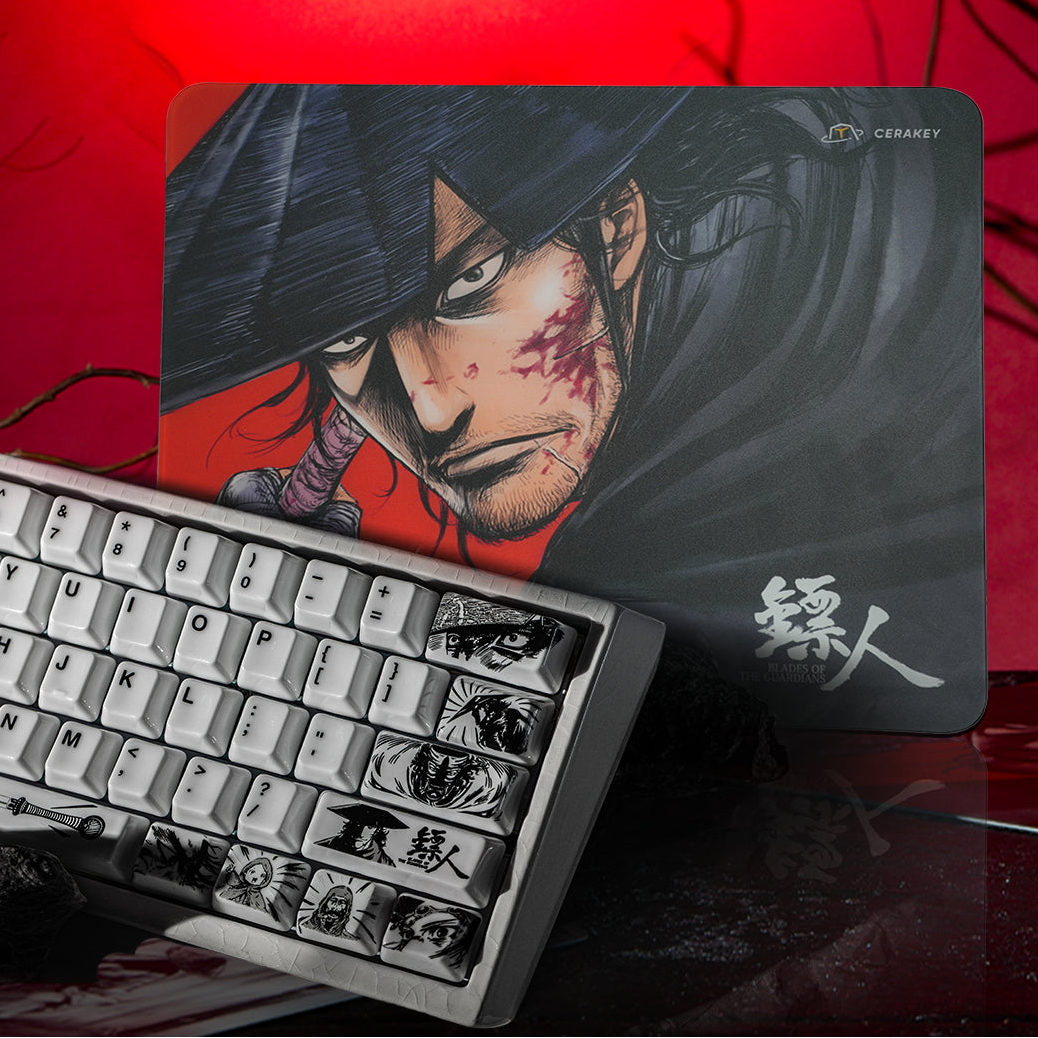
| Cerakey Blades of the Guardians | きめ細かいアート強化ガラス | 300 x 250 mm | 全面シリコン滑り止め | スピード、コントロール、視覚的アートワークのバランス |
| Pulsar Superglide v2 | アルミノケイ酸ガラス | 420 x 330 mm | 成形シリコン | 入門レベルの価値&コンパクトなデスク |
| GLSSWRKS Akari / Polarity | カスタムテクスチャガラス | 490 x 420 mm | 高密度ポロンベース | 制動力&マイクロコントロール |
1. Wallhack SP-004: 純粋なスピードの王者
以前はSkyPAD 3.0/4.0シリーズとして知られていたWallhackは、ガラス製マウスパッドの基準であり続けています。
実世界でのテストノート
SP-004は速いです。非常に速いです。黒曜石やPTFEドットスケートと組み合わせると、マウスを動かす感覚はまるでホバークラフトのようです。『Apex』のようなダイナミックなトラッキングゲームでは、動きに抵抗する動摩擦がほとんどないため、素早く横移動するターゲットをトラッキングするのが楽に感じられます。
良い点
- 数ヶ月間ハードに使用しても表面の摩耗がゼロ。
- 広大な表面積(490x430mm)により、低DPIでのアームスワイプが可能。
- 全面シリコンシートにより中央部のたわみを解消。
悪い点
- 高感度での震えるエイムには非常に容赦がない。手が震えると、照準も動きます。
- 腕が汗ばむ場合はスリーブが必要。
2. Razer Atlas: 最も静かで滑らかな操作性
高速なフリック時に大きな擦れる音がしないガラスのスピードを求めるなら、Razer Atlasはノイズを抑える構造で設計されています。
実世界でのテストノート
Razerは、微細にエッチングされた表面に厚い撥油性コーティングを施しています。これにより、生ガラスよりも指紋がつきにくく、SP-004のシャープな滑りと比較して、わずかに「ベルベットのような」滑り感があります。
良い点
- 高速スワイプ時に競合するガラス製マウスパッドよりも明らかに静か。
- 手首に食い込まない滑らかで丸みを帯びたベベル加工が施されたプレミアムなビルド品質。
- 光学センサーをジッターやスピンアウトなしで処理します。
悪い点
- 撥油性コーティングは、12〜18ヶ月の集中的な使用で摩耗し、滑りの一貫性がわずかに変化する可能性があります。
3. Cerakey "Blades of the Guardians": コントロールとデスクアートの最高のバランス
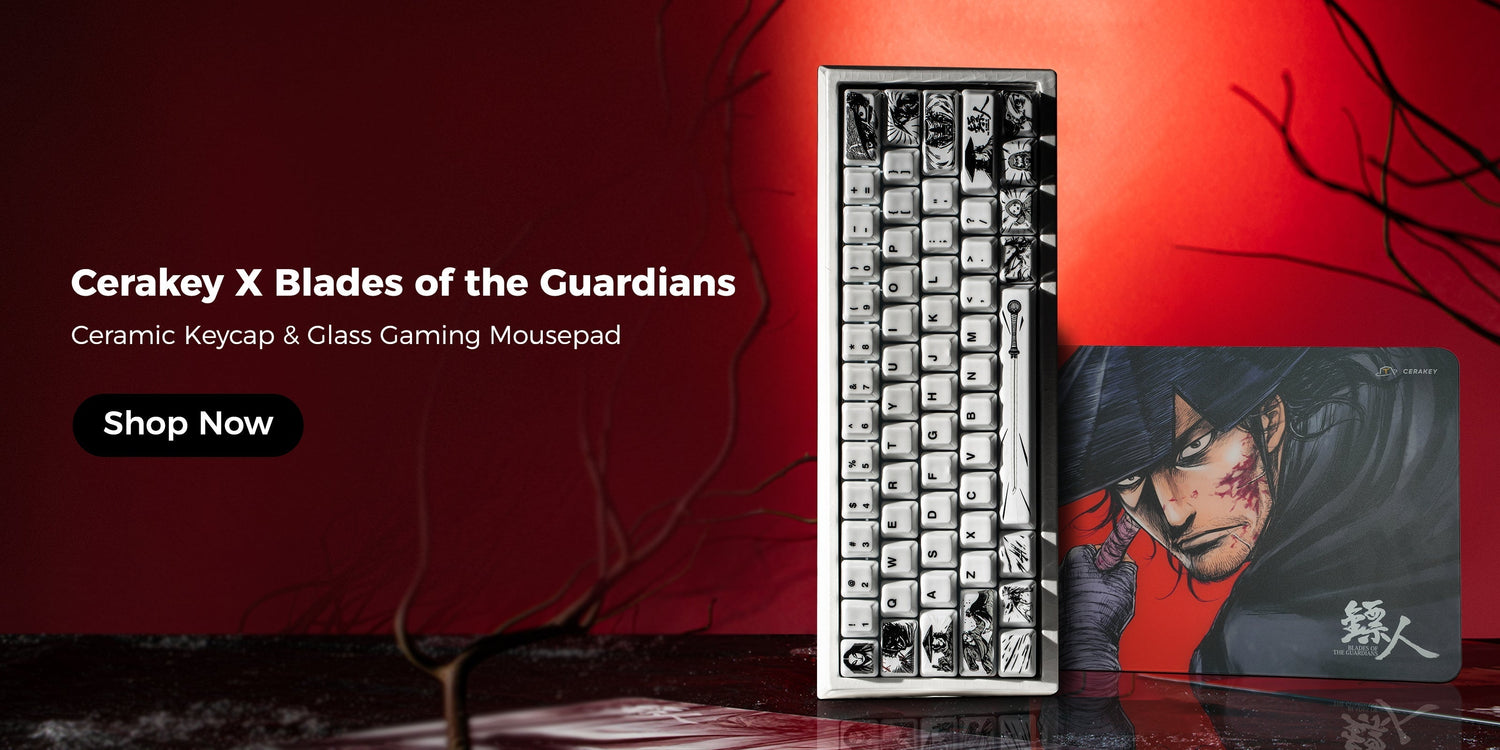
ほとんどのガラス製マウスパッドは、無地の黒、控えめな白、または派手なゲーマーロゴに留まります。Cerakey Blades of the Guardians Glass Gaming Mousepadは、トップクラスの競技仕様と古典的な美学からインスピレーションを得た印象的なグラフィックアートワークを融合させ、全く異なる道を歩んでいます。
実世界でのテストノート
Cerakey Blades of the Guardians Glass Gaming Mousepadをテストしたとき、まず際立つのは表面の質感でした。つるつるの氷のようなガラス製マウスパッドとは異なり、Cerakeyは微妙な制動力を提供するマイクロエッチング強化ガラス加工を使用しています。
『VALORANT』の1対1のタクティカルデュエルでは、SP-004と比較して、角にフリックして照準を止めるのが格段に容易に感じられました。純粋なガラスの電光石火の滑り速度の85%が得られつつ、ターゲットを行き過ぎることなくロックするのに十分な触覚フィードバックがあります。
主な仕様
- 寸法: 300 x 250 mm
- ベース:カスタム全面滑り止めシリコン裏地
- エッジ:CNC 2.5D丸型安全面取り
トップに選ばれた理由
- 制御されたスピード:素早いハイブリッド布製マウスパッド(Artisan Hayate Otsuなど)から移行するゲーマーで、制動力を失うことなくガラスの耐久性を求める人に最適です。
- 完璧なセンサー追跡:PixArt 3395およびHero 25Kセンサーでテストされ、フレームのスキップは一切ありませんでした。
- デスクの美学:アートワークは強化ガラス層の下に埋め込まれているため、何年ものクリーニングでも色あせたり、傷ついたり、擦れたりすることはありません。
ガラス製マウスパッド購入前に本当に重要なことは何か?
1. 制動力 vs. 純粋な滑り
キルタイムが短いゲーム(『CS2』、『VALORANT』)をプレイするなら、純粋なスピードよりも制動力が重要です。マイクロエッチングガラス(CerakeyやGLSSWRKSなど)を探しましょう。トラッキング重視のゲーム(『Quake』、『Apex』)をプレイするなら、Wallhack SP-004のような超滑らかな表面を選びましょう。
2. マウススケートの選択(重要!)
- ガラス製マウスパッドにガラス製スケートは使用しないでください。ガラス同士では両方の表面が即座に傷つきます。
- PTFEまたは翡翠/黒曜石ドットスケートを使用してください。標準のフルサイズPTFEフィートでも問題ありませんが、硬化PTFEドットを使用すると、生じる表面摩擦の量を完全に制御できます。
3. ほこり&メンテナンスの現実
ガラス製マウスパッドは汗や油分を吸収しないため、湿度による滑りの劣化とは無縁です。しかし、マウススケートとガラスの間に小さな硬いほこりが一つあるだけで、小石を引きずっているように感じられます。ゲームセッション前に拭き取れるように、デスクにマイクロファイバークロスを置いておきましょう。
最終的な結論:どれを選ぶべきか?
- 最大のスピードと抵抗のない純粋なトラッキングの自由を求めるなら、Wallhack SP-004を選びましょう。
- 繊細で静かな滑り心地と、洗練されたミニマルな美学を好むなら、Razer Atlasを選びましょう。
- 究極のバランスを求めるなら、Cerakey Blades of the Guardians Glass Mousepadを選びましょう。これは、タクティカルシューターに適した十分な制動力を備えた、楽な低摩擦スピードと、見事なデスクピースとしての魅力を兼ね備えています。
もしセットアップをアップグレードするなら、ハイエンドのガラス製マウスパッドと軽量ワイヤレスマウス、ドットスケートの組み合わせは、2026年に最も顕著なパフォーマンス向上をもたらすアップグレードの一つとなるでしょう。



コメントを書く
このサイトはhCaptchaによって保護されており、hCaptchaプライバシーポリシーおよび利用規約が適用されます。