




For years, buying a "good gaming keyboard" meant picking whichever flagship board had the brightest RGB lighting and the fastest-sounding switch label on the box.
In 2026, the standard has shifted completely.
Gamers no longer settle for stiff, hollow, pre-built boards that rattle with every keystroke. Today's high-performance standard combines sub-millisecond competitive response times with the premium feel, acoustics, and weight of custom hardware.
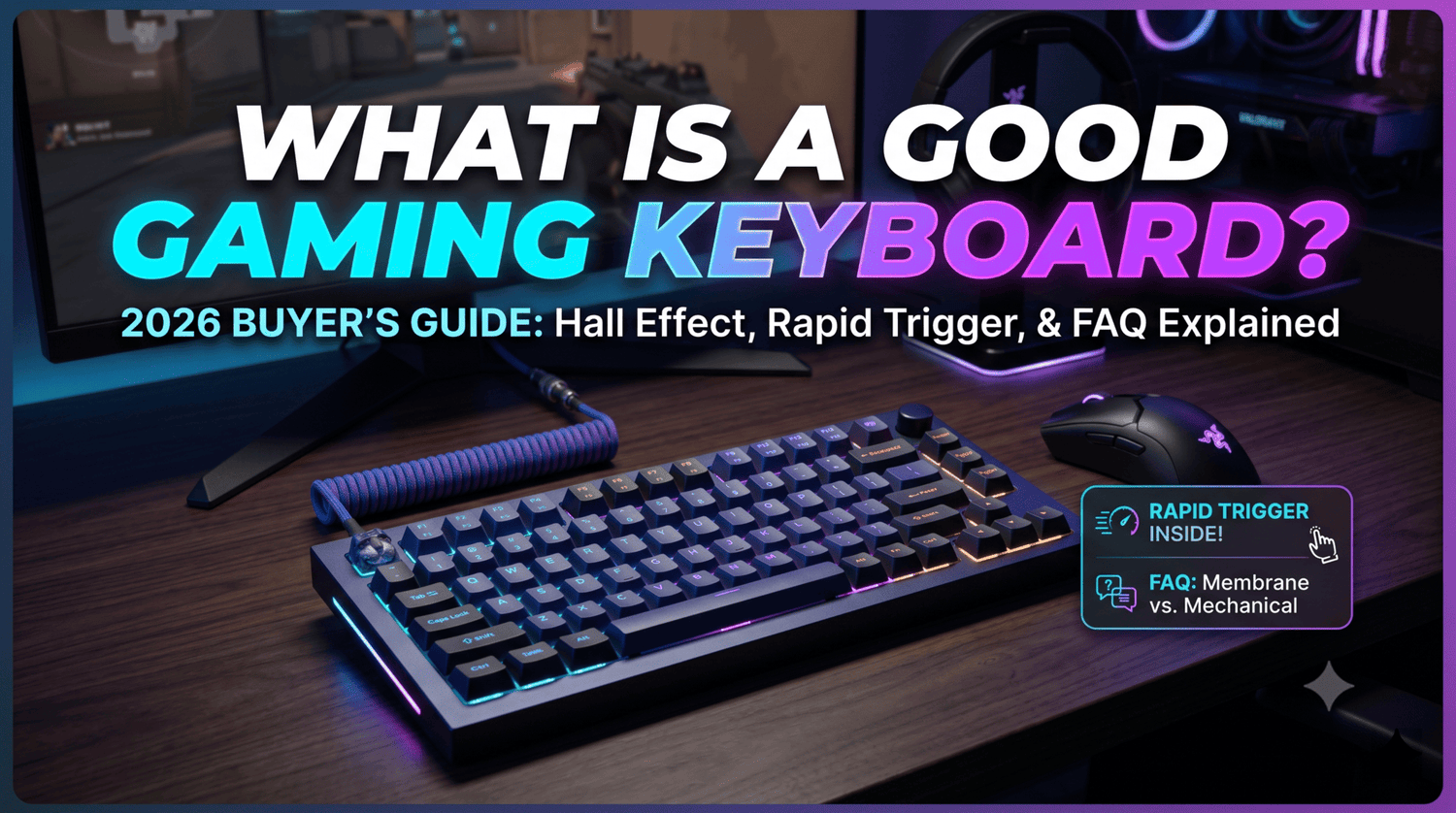
Whether you are aiming for peak ranks in competitive shooters or trying to build a clean, satisfying setup for daily play, here is what actually defines a great gaming keyboard in 2026—and where you should spend your budget.
1. Raw Latency & Polling Rates: Beyond the 1,000Hz Baseline
Speed remains the foundation of competitive gaming peripherals, but the tech under the hood has evolved significantly beyond traditional mechanical polling.
High-Polling Rates (4,000Hz – 8,000Hz)
While standard 1,000Hz keyboards send input data every 1ms, modern high-end gaming boards operate at 4,000Hz or 8,000Hz (0.25ms to 0.125ms intervals).
- The Reality Check: While 8KHz alone won't instantly make you a top-tier player, it drastically reduces micro-stuttering in input registration when paired with high-refresh-rate monitors (240Hz+ or 480Hz OLEDs).
- What to Look For: Ensure the keyboard’s internal MCU (Microcontroller Unit) handles true high-polling without causing CPU lag on your PC system.
Rapid Trigger & Magnetic / Hall Effect Switches
In 2026, fixed actuation points are fading into the background for FPS gaming. Magnetic switches using Hall Effect (HE) sensors allow you to dynamically adjust actuation and reset points down to 0.1mm.
[ Traditional Switch ]
Press Down ──> Hits Actuation Point (1.5mm) ──> Action Triggered
Release ─────> Must Pass Reset Point (1.2mm) ─> Action Resets

[ Rapid Trigger / HE Switch ]
Press Down ──> Triggers Immediately On Motion
Release ─────> Resets The Instant Key Moves Upward (0.1mm Sensitivity)
With Rapid Trigger, the key deactivates the moment your finger starts lifting, allowing for instant counter-strafing in games like VALORANT or CS2, and hyper-responsive movement inputs in fast-paced titles like Apex Legends.
2. Keycaps: Material, Mass, and Surface Friction
Keycaps are your primary physical touchpoint, yet they remain one of the most under-evaluated hardware components. A keyboard can have the fastest PCB in the world, but if the keycaps feel slick, hollow, or light, the overall control deteriorates.
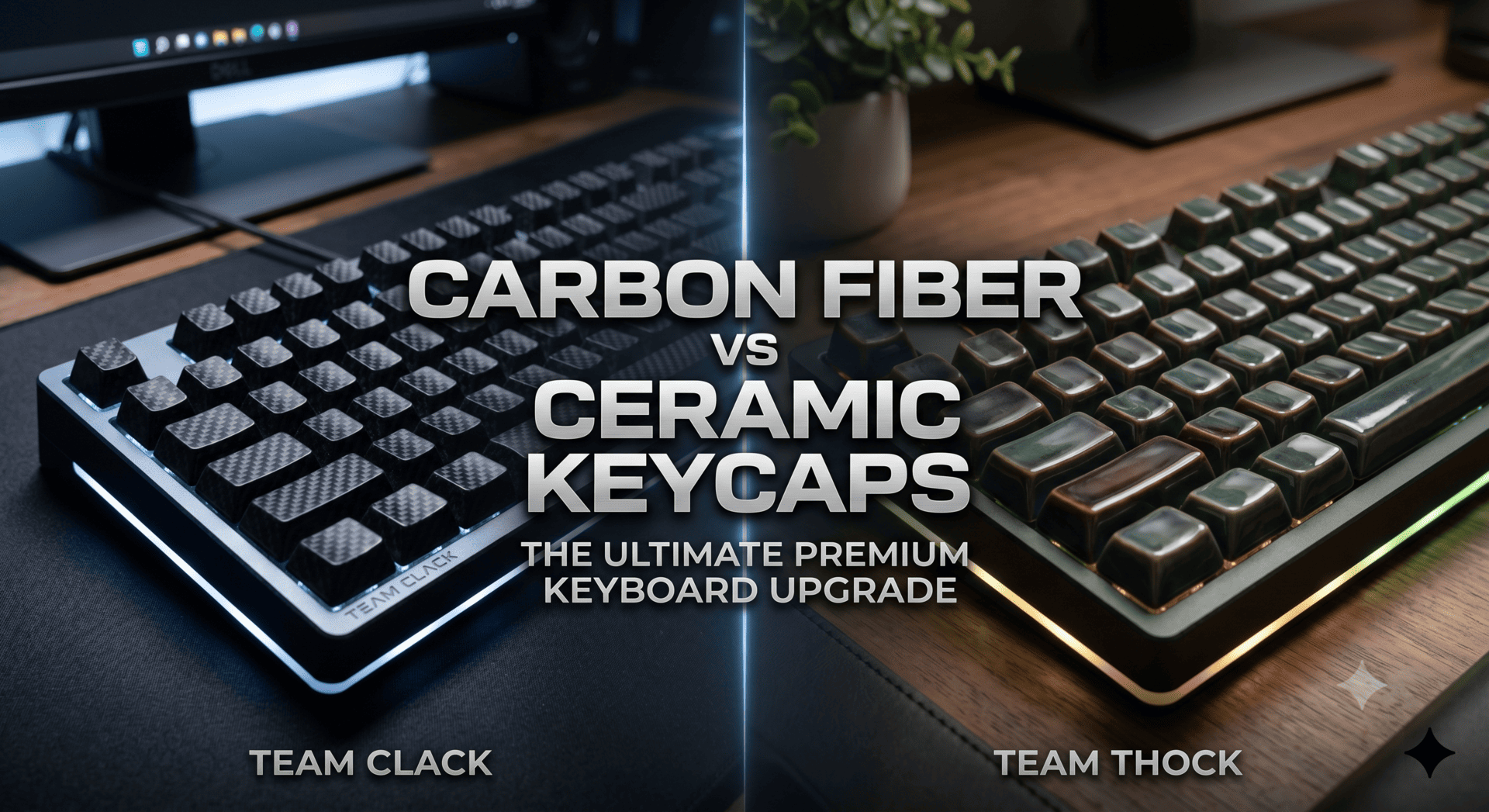
Material Performance Comparison
| Feature / Material | Standard ABS | Quality PBT | Heavy Duty / Specialty (e.g., Ceramic / Artisan) |
| Surface Texture & Grip | Smooths out over time; gets slippery | Textured, resists oils/shine | Smooth yet naturally grippy finish |
| Sound Profile | High-pitched, clack, hollow | Mid-range, deeper tone | Deep, dense, low-frequency sound ("Thock") |
| Durability | Wears out fast; prone to shine | Highly wear-resistant | Scratch-resistant, non-fading color |
| Finger Stability | Low | Medium-High | High (Increased mass lowers keycap wobble) |
Why Keycap Density and Mass Matter
Modern gamers often overlook how keycap weight interacts with switch performance:
- Reset Consistency: A slightly denser, heavier keycap provides extra downward momentum, yielding a distinctly solid bottom-out sound and feel.
- Acoustic Dampening: Thin plastic transmits high-frequency chatter. Denser materials absorb harsh vibration, creating a clean, crisp sound profile during rapid actuation.
If you already own a solid barebones magnetic or mechanical base, upgrading your keycap set is often the single most noticeable physical upgrade you can make to your daily typing and gaming experience.
3. Custom Ergonomics & Layout Efficiency
Bigger isn't better when it comes to gaming desk space.
[ Full Size (100%) ] ──────────────────> Takes up mouse pad real estate
[ TKL (80%) ]        ────────────> Frees space for low DPI arm aiming
[ Compact (75% / 60%) ] ───────> Maximum mouse travel & ergonomic angle
Layout Trends in 2026
- 60% & 65% Layouts: Preferred by pure FPS players. Dropping the function row and numpad leaves maximum desk room for low-sensitivity mouse swipes.
- 75% Layouts: The current sweet spot for mixed gaming and productivity. It retains dedicated arrow keys and function keys while keeping a compact footprint.
Mounting Structures: Gasket vs. Integrated
Modern high-end keyboards have largely abandoned rigid tray-mount designs:
- Gasket Mounts: Isolate the plate from the case using silicone or foam gaskets. This provides a softer impact on your fingers during long gaming sessions and reduces harsh bottom-out forces.
- Plate Materials: Aluminum, FR4, or Polycarbonate plates alter rigidity. Polycarbonate and FR4 offer more flex for comfortable long-session gaming, while Aluminum provides a firmer platform preferred by some rapid-input players.
4. Key Takeaways: How to Choose in 2026
When evaluating your next gaming keyboard setup, evaluate hardware based on how you actually play:
- For Pure Competitive FPS Players: Prioritize an HE/Magnetic switch PCB featuring Rapid Trigger and 4K/8KHz polling. Match it with a compact (60%-75%) layout to maximize mouse pad space.
- For General Gamers & Customization Enthusiasts: Look for a hot-swappable gasket-mounted barebones board. Pair it with smooth factory-lubed linear switches and high-density keycaps to achieve both low-latency performance and a deeply satisfying acoustic profile.
- Don't Ignore Touch Points: Switches determine the electronic signal, but keycaps dictate physical feedback, grip stability, and sound. Investing in high-grade keycaps transforms even a standard pre-built board into a custom-feeling peripheral.

Deixar comentário
Este site é protegido por hCaptcha e a Política de privacidade e os Termos de serviço do hCaptcha se aplicam.