



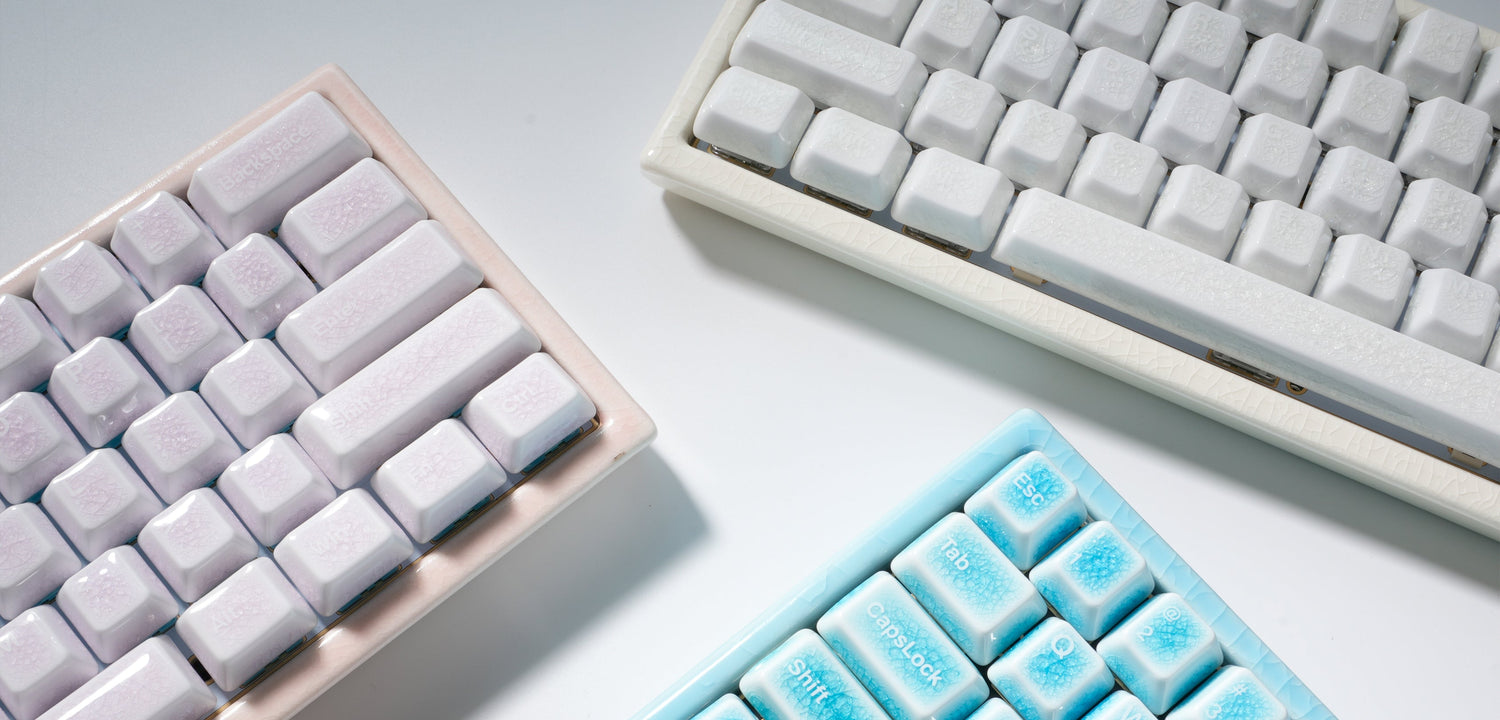
How to Know If A Keycap Set Fits Your Keyboard
When you're ready to give your mechanical keyboard a new look and feel, the keycap set you choose plays a significant role in the overall experience. The good news is that finding the right keycap set isn't as tricky as it may seem. Let’s break it down together so you can make the best choice for your setup!
1. Understand Keycap Profiles
Keycaps come in different profiles, which refer to the shape and height of the individual keycaps. Each profile impacts the look and typing feel of your keyboard. Here’s a quick breakdown of popular profiles:
- OEM Profile: The most common and widely loved. It has a comfortable height and a slight sculpted curve that feels just right for many.
- Cherry Profile: Shorter than OEM, offering a flat yet comfortable typing experience.
- SA Profile: Tall and sculpted—these keycaps are perfect if you love a retro vibe or a more distinct feel under your fingers.
- DSA Profile: Flat, uniform, and sleek—perfect for those who want a minimalistic look.
Picking a profile that matches your typing style can make a huge difference in your comfort and speed, so choose wisely!
2. Check Keyboard Layout Compatibility
Not all keyboards have the same layout. The two most common layouts are:
- ANSI Layout: Widely used in the U.S. with a rectangular Enter key.
- ISO Layout: Found more commonly in Europe, with a larger Enter key and an additional key in the bottom-left corner.
Before you purchase a keycap set, check your keyboard layout. If you have an ISO layout, be sure the set includes a larger Enter key and the right-sized keys for your layout.
3. Verify Switch Stem Compatibility
Now, let’s talk about switch stems. Mechanical keyboards use different types of switches, and the stems can vary. The most common stem type is MX-style, found in popular switches like Cherry MX, Gateron, and Kalih. These switches are compatible with most keycap sets.
However, if you’re using less common switches (like Alps or Topre), double-check that your keycap set supports those stems. The last thing you want is to buy a beautiful set of keycaps only to find they don’t fit your switches!
4. Measure the Keycap Size for Customization
Keycap sizes are another crucial factor to consider, especially when it comes to specialized keys like the spacebar, Shift, and Enter. Here’s a quick guide:
- Spacebar: The most common sizes are 6.25u or 7u, but make sure your keycap set covers your keyboard’s specific spacebar size.
- Shift/Enter Keys: These keys can vary in size, especially for the bottom row. If your keyboard uses non-standard sizes (like 1.75u or 2.75u for Shift), check that the set includes these sizes.
Don't forget to measure your keys or refer to your keyboard’s manual before purchasing!
5. Consider Material and Durability
Keycaps come in different materials, with ABS and PBT being the most common.
- ABS (Acrylonitrile Butadiene Styrene): Lightweight and affordable but tends to shine and wear over time.
- PBT (Polybutylene Terephthalate): Durable, resistant to wear, and offers a more premium feel.
If you’re someone who types a lot or wants something that will last longer, PBT keycaps might be the way to go. They’re a bit more expensive, but they’re worth the investment for long-term durability.
6. What to Do If Your Keycap Set Doesn't Fit
Sometimes, things don’t fit as planned. Don’t worry—here’s what you can do:
- Get custom keycaps: Some companies specialize in custom keycaps, allowing you to personalize the layout and fit for your keyboard.
- Check for compatibility kits: Some keycap sets offer additional key sizes to cater to different layouts and switch stems, so you won’t need to buy anything extra.
- Universal keycap sets: There are keycap sets designed to fit a wide range of keyboards, so if you’re unsure, a universal set might be a good option.
Final Thoughts
Choosing the right keycap set isn’t just about aesthetics; it’s about making sure your new keycaps fit perfectly with your keyboard’s layout, switch type, and size. Whether you're after a sleek modern design or a retro look, there's a keycap set out there that will match your style and typing preferences.
FAQ:
Q1: Can I use any keycap set on my keyboard?
A1: Not all keycap sets are compatible with every keyboard. It’s essential to check your keyboard's layout (ANSI or ISO) and switch type (MX-style, Alps, etc.) to ensure compatibility.
Q2: What if my keyboard has a non-standard layout?
A2: If you have a non-standard layout or special key sizes, look for keycap sets that offer customization options or universal compatibility kits that include various key sizes for different keyboards.
Q3: What’s the difference between ABS and PBT keycaps?
A3: ABS keycaps are lighter and more affordable but tend to wear down faster. PBT keycaps are more durable, resistant to wear and shine, and offer a higher-quality typing experience.
Q4: Are keycap profiles interchangeable?
A4: While you can technically mix profiles, it’s best to stick with a single profile for a uniform look and consistent feel across all the keys. This ensures a smoother and more comfortable typing experience.
Q5: How do I know if the keycap set will fit my spacebar?
A5: Spacebars come in different sizes (6.25u or 7u are the most common), so be sure to check your keyboard’s spacebar size before buying a keycap set. Some sets will provide different spacebar sizes to ensure compatibility.


Hinterlasse einen Kommentar
Diese Website ist durch hCaptcha geschützt und es gelten die allgemeinen Geschäftsbedingungen und Datenschutzbestimmungen von hCaptcha.