



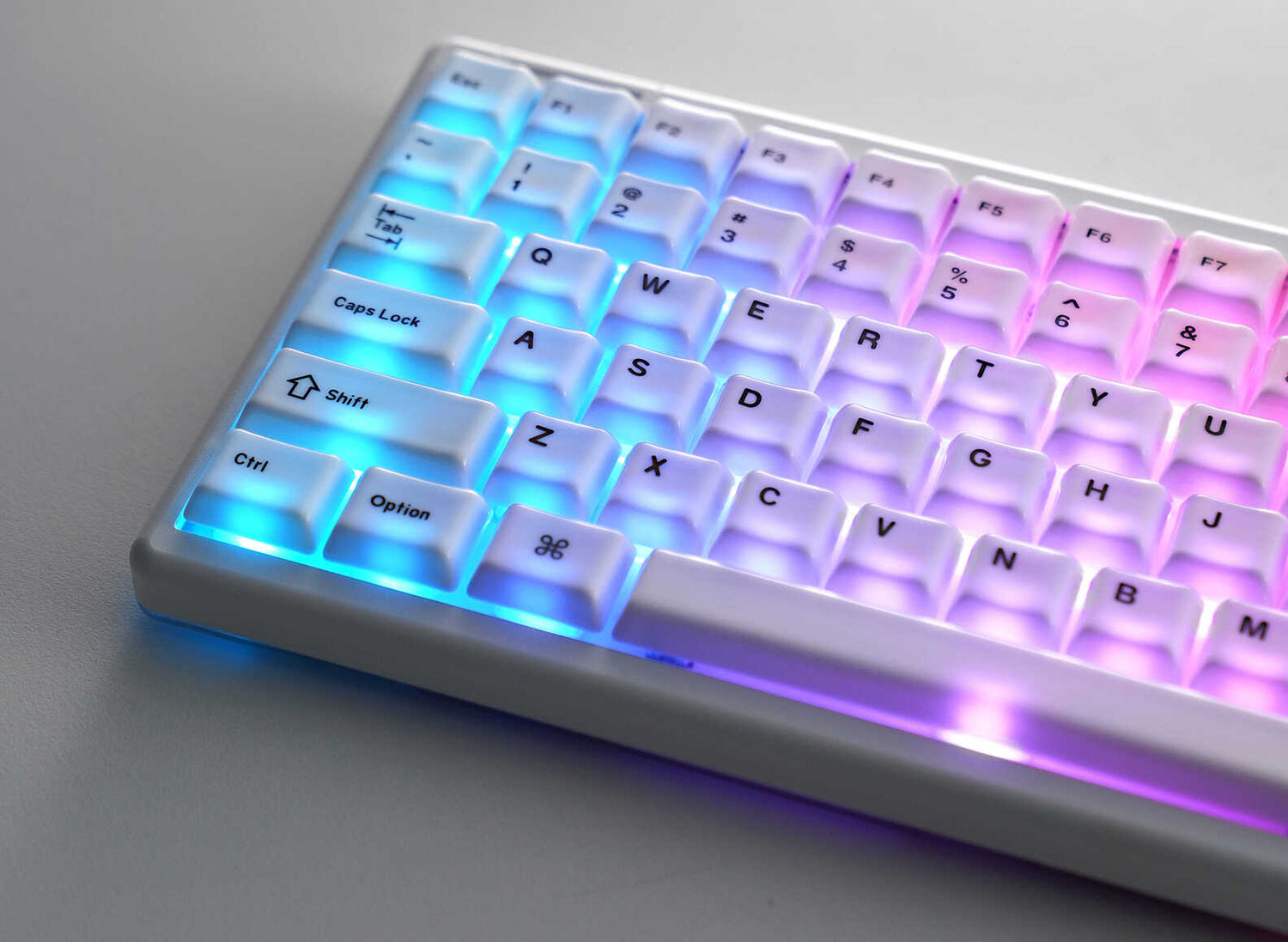
In today’s world, where productivity tools often prioritize rigid function over form, our desks can start to feel a bit sterile. We spend hours at our keyboards—often without realizing how much our physical tools shape our daily moods and workflow.
What started as a casual weekend DIY experiment turned into something unexpected—an emotional rediscovery of my workspace. When I swapped out my default keycaps, I didn't just upgrade the look of my desk setup. I unlocked an entirely new typing experience. One that felt more personal, more satisfying, and oddly... alive.
Yes, I know it sounds dramatic. But the moment I installed that last cap, the keyboard didn't just look better—it breathed better. If you've ever wondered, "Does changing keycaps change sound and typing feel?"—the short answer is a resounding yes. Here is how a simple upgrade completely transformed my daily driver.
The Wake-Up Call: Why I Ditched My Default Keycaps
Let's be honest. Most pre-built, mass-produced keyboards aren't designed with acoustic pleasure or premium tactile sensation in mind. They are built to be neutral, safe, and—let's face it—boring.
I owned a solid mechanical keyboard with great switches, but over time, the typing experience felt uninspired. The legends on the cheap ABS plastic keys were starting to shine, and every keystroke emitted a sharp, hollow, plasticky clack. It was a tool, not a canvas.
That’s when I started diving into communities like r/MechanicalKeyboards, watching sound tests on YouTube, and exploring the world of custom keycaps. I realized people weren't just typing; they were crafting spaces. That’s when I decided to take the plunge and swap out my default caps for something that actually resonated with my senses.
Keycap Buying Guide: Material, Profile, and What Actually Matters
When you begin researching how to customize your mechanical keyboard, you quickly learn that choosing a new set is about much more than picking a pretty colorway. To get that premium aesthetic and deep acoustic feedback, you need to look at three core pillars:
1. Keycap Material (The Secret to the Perfect "Thock")
Material is the single biggest factor influencing your keyboard's acoustic resonance.
- ABS Plastic: Light and thin, often leading to a high-pitched, hollow "clack."
- PBT Plastic: Thicker and more durable, offering a textured matte feel and a much deeper sound signature.
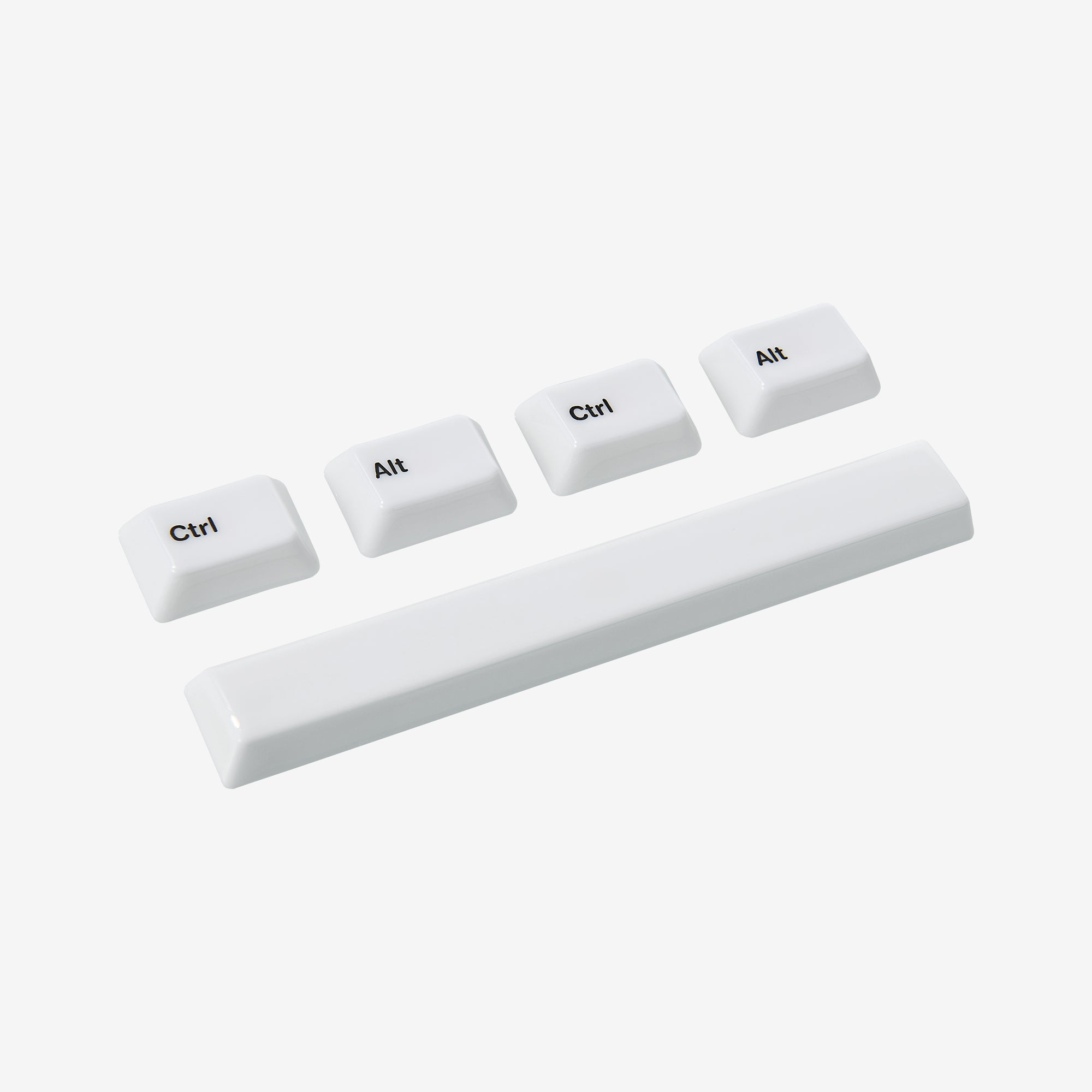
- Ceramic: The ultimate premium upgrade. Unlike plastics, ceramic keycaps offer a completely unique, solid density that eliminates hollow echoes entirely, replacing them with a rich, marble-like, creamy "thock" and a luxurious, silk-smooth touch under your fingertips.
2. Keycap Profile (The Ergonomics of Typing Comfort)
The "profile" refers to the shape and height of the keycaps. Whether you prefer a sculpted, retro profile like SA for an immersive, deep-dish feel, or a classic, comfortable Cherry profile for natural finger travel, the shape drastically alters your typing posture and reduces wrist fatigue during long coding or writing sessions.
3. Legends and Durability
Look for advanced manufacturing methods like dye-sublimation or reverse dye-sub. This ensures your legends (the letters on the keys) are deeply embedded into the material, meaning they will never fade, wear away, or develop an oily shine over time.
The Moment It Clicked: How Keycap Upgrades Improve Your Keyboard Sound
Once I unboxed my new set and installed the caps onto my board, I booted up my PC and typed a few lines of text. Then a few more. That's when the magic happened.
This wasn't just a cosmetic facelift. The sound profile was transformed.
The harsh, clacky high-frequencies were completely gone. In their place was a warm, muted, and incredibly satisfying rhythmic sound. Every keystroke felt grounded, smooth, and solid. It was the exact same mechanical keyboard I’d been using for months, but now it possessed a distinct acoustic weight.
[Listen to the Difference: Check out our Cerakey Mechanical Keyboard Sound Test here to hear the deep ceramic "thock" in action.]
Every keystroke had a soul. It felt like my keyboard had finally come up for air and started to breathe.
4 Hidden Benefits of Swapping Your Keycaps
If you are on the fence about upgrading, here is what actually changes beneath your fingertips:
- Acoustic Refinement: Upgrading to thicker, high-density materials (like premium PBT or ceramic) dampens internal case reverb, transforming cheap clicks into a satisfying, deep sound signature.
- Enhanced Tactile Feedback: The physical texture matters. Moving away from slippery, oil-prone ABS to smooth ceramic or textured PBT keeps your fingers anchored and typing accurately.
- Ergonomic Posture: Switching to a thoughtful keycap profile matches the natural curvature of your hands, drastically reducing finger fatigue during late-night edits or intense gaming sessions.
- Visual Inspiration and Productivity: A customized keyboard draws your attention. A beautifully coordinated workspace creates an intentional environment that actually makes you want to sit down, create, and type more.
Final Thoughts: Let Your Setup Reflect You
Your keyboard is your daily driver—your creative cockpit, your coding companion, your writing engine. So why settle for the default, boring factory look?
Swapping your keycaps is one of the simplest, most beginner-friendly ways to breathe new life into your current setup without buying a whole new keyboard. There is no soldering, no complex coding, and no technical expertise required. All you need is a simple keycap puller and about 15 minutes of your time.
Whether you want a clean minimalist look or a heavy, acoustic masterpiece, your workspace deserves to reflect who you are. Stop settling for default.
Ready to transform your typing experience? Explore our curated [Cerakey Ceramic Keycaps Collection] to find the perfect blend of mesmerizing aesthetics, deep acoustic "thock," and unparalleled tactile comfort that matches your unique vibe.

Hinterlasse einen Kommentar
Diese Website ist durch hCaptcha geschützt und es gelten die allgemeinen Geschäftsbedingungen und Datenschutzbestimmungen von hCaptcha.