



In today's fast-paced digital world, your workspace is more than just a desk and a chair—it’s an ecosystem that directly impacts your focus, mood, and daily output. For anyone spending upwards of eight hours a day coding, writing, or designing, every touchpoint matters. Yet, while professionals invest heavily in ergonomic chairs or high-end monitors, they often overlook the single tool they interact with most: the mechanical keyboard.
Specifically, aesthetic keycaps are no longer just an underground trend for hardcore custom keyboard hobbyists. They have evolved into a critical element of modern desk setup aesthetics, bridging the gap between tactile satisfaction and mental clarity. Among the wide spectrum of workspace design, one color palette stands out for its unique ability to transform a chaotic workday into a structured flow state: Blue.
The Psychology of a Blue Desk Setup
The visual environment surrounding you acts as a silent driver of cognitive performance. Cluttered desks or harsh, jarring color schemes can trigger low-level visual overload, increasing cortisol levels and fracturing your attention span. Conversely, integrating deliberate, harmonized color choices creates a psychological anchor for concentration.
Color psychology has long established that shades of blue naturally evoke feelings of calmness, clarity, and stability. Unlike high-energy pigments like red or neon orange, which stimulate immediate physiological alertness but lead to rapid mental fatigue, blue offers sustainable cognitive stimulation. For digital professionals, a curated arrangement of blue keycaps provides a subtle visual rest stop during high-intensity tasks, reducing optical strain and signaling the brain to maintain a steady, unhurried pace.
Human-Centric Workspace Insight: Think of your keyboard as the centerpiece of your digital dashboard. When your eyes naturally drift down during a complex problem-solving sequence, landing on a clean, cohesive gradient of blue creates a brief moment of visual decompression, helping you reset your train of thought rather than breaking focus.
Upgrading from Plastic to Ceramic: The Sensory Feedback You Need
Visual appeal is only half of the workspace equation; true typing immersion requires physical, sensory feedback. Traditional mechanical keyboards typically ship with standard ABS or PBT plastic keycaps. While functional, plastic sets frequently develop an oily sheen over time, distorting their look, and tend to produce a hollow, high-pitched scratching noise that can become grating during long work hours.
This is where shifting the paradigm to premium materials like ceramic keycaps redefines the entire typing experience. Moving beyond standard plastic alters both the acoustic and physical feedback of your desk setup:
- The Legendary "Thocky" Sound Profile: Due to the natural density and structural integrity of ceramic, every keystroke yields a deep, full-bodied acoustic profile. Instead of the sharp, metallic clatter of plastic, ceramic dampens unpleasant frequencies, delivering a smooth, satisfying "thock" that turns typing into an acoustic rhythm.
- Thermal Regulation and Unmatched Texture: Unlike plastics that trap hand warmth and moisture, premium glazed ceramic remains cool to the touch. This subtle thermal contrast keeps your fingertips refreshed, maintaining an inviting tactile sensation even through intensive typing streaks.
- Zero Wear, Everlasting Aesthetic: High-grade ceramic keycaps are completely immune to the structural degradation and surface fading that ruins standard keycaps, ensuring your aesthetic investment looks immaculate for years.
Top Aesthetic Blue Keycap Styles for Creative Professionals
Achieving the perfect workspace aesthetic requires selecting a design style that aligns with your professional identity and room layout. Below is a curated breakdown of how to style different blue ceramic variations to elevate your desk setup:
| Keycap Style | Aesthetic Profile & Visual Pairing | Best Suited For |
| Glossy Ceramic V2 Indigo Blue | Deep, deep midnight blue with an ultra-reflective glazed surface. Pairs beautifully with dark walnut wood desks, black aluminum keyboard cases, and muted warm lighting. | Software Developers, Nocturnal Creatives |
| Matte Ceramic V3 Cobalt Blue | A smooth, non-reflective finish displaying rich, saturated mineral blue. Fits seamlessly into modern, minimalist white setups, frosted glass mousepads, and clean line aesthetics. | Minimalist Designers, UI/UX Engineers |
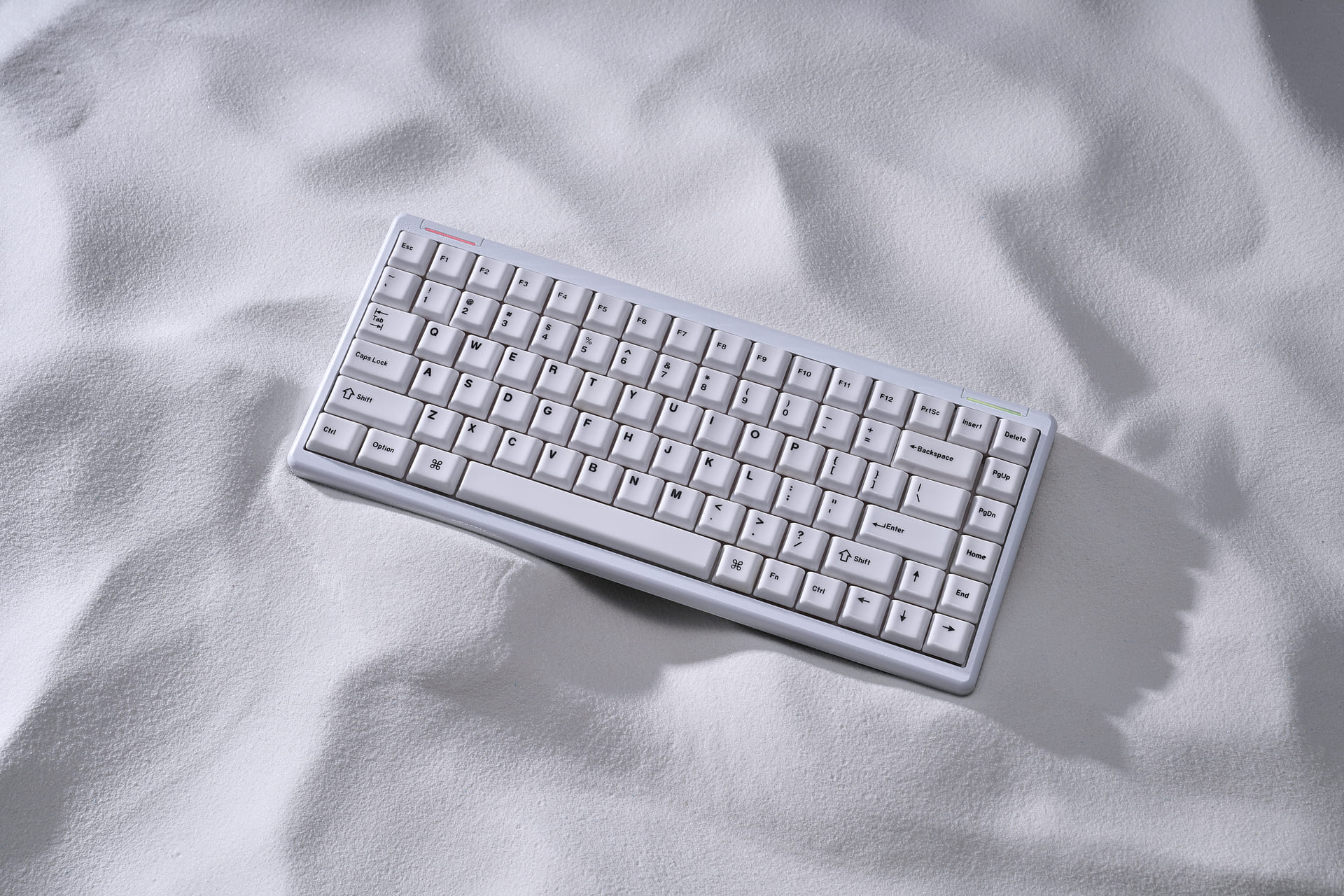
| Ice Crystal / Two-Toned Blue | An organic, crystalline texture or multi-tonal layout alternating soft slate blue with stark white modifiers. Complements brushed silver cases and neutral gray desk mats. | Writers, Creative Directors |
To implement this effectively without overwhelming your desktop, consider utilizing a split set configuration. Keeping your primary alphanumeric keys in a crisp, clean tone while using rich blue ceramic for your modifiers (like Shift, Enter, and Spacebar) adds an intentional structural accent to your keyboard layout, serving as a masterclass in custom keycap sets design.
Conclusion: A Small Detail with a Big Bottom-Line Impact
Optimizing your workspace isn't about superficial vanity; it’s an investment in your daily cognitive endurance. A disorganized, uninspired toolset actively saps your motivation, making long workdays feel like a relentless grind. By deliberately selecting a dedicated custom keycap set that blends psychological color theory with exceptional tactile engineering, you convert your mechanical keyboard from a generic computing input into a premium source of inspiration.
Next time you look at your workspace seeking a boost in daily engagement, look down at your fingertips. A transition to the cool touch, deep thock, and calming presence of premium blue keycaps might be the exact environmental upgrade your workflow has been missing.
Frequently Asked Questions (FAQ)
1. Are ceramic keycaps practical for daily heavy office typing and coding?
Absolutely. Premium ceramic keycaps are highly durable and specifically designed to handle millions of keystrokes. Their unique weight gives them a smooth, low-fatigue rebound, making them exceptionally comfortable for programmers, writers, and power users who type for hours on end.
2. What are the best keycaps for achieving a clean, minimalist desk setup?
For a true minimalist aesthetic, seek clean monochrome colors or subtle gradients without distracting icons. Matte finishes, such as a matte cobalt or slate blue, eliminate glare and reflections, integrating seamlessly into modern workspace designs characterized by wood, stone, and metallic elements.
3. How does the weight of custom ceramic keycaps affect standard mechanical switches?
Ceramic keycaps are inherently heavier than thin plastic ones. This added mass naturally pre-travels the switch slightly, resulting in a significantly smoother downstroke and a richer, deeper sound profile. They pair beautifully with both standard tactile switches and advanced magnetic linear switches.
4. Will blue keycaps conflict with customized RGB keyboard backlighting?
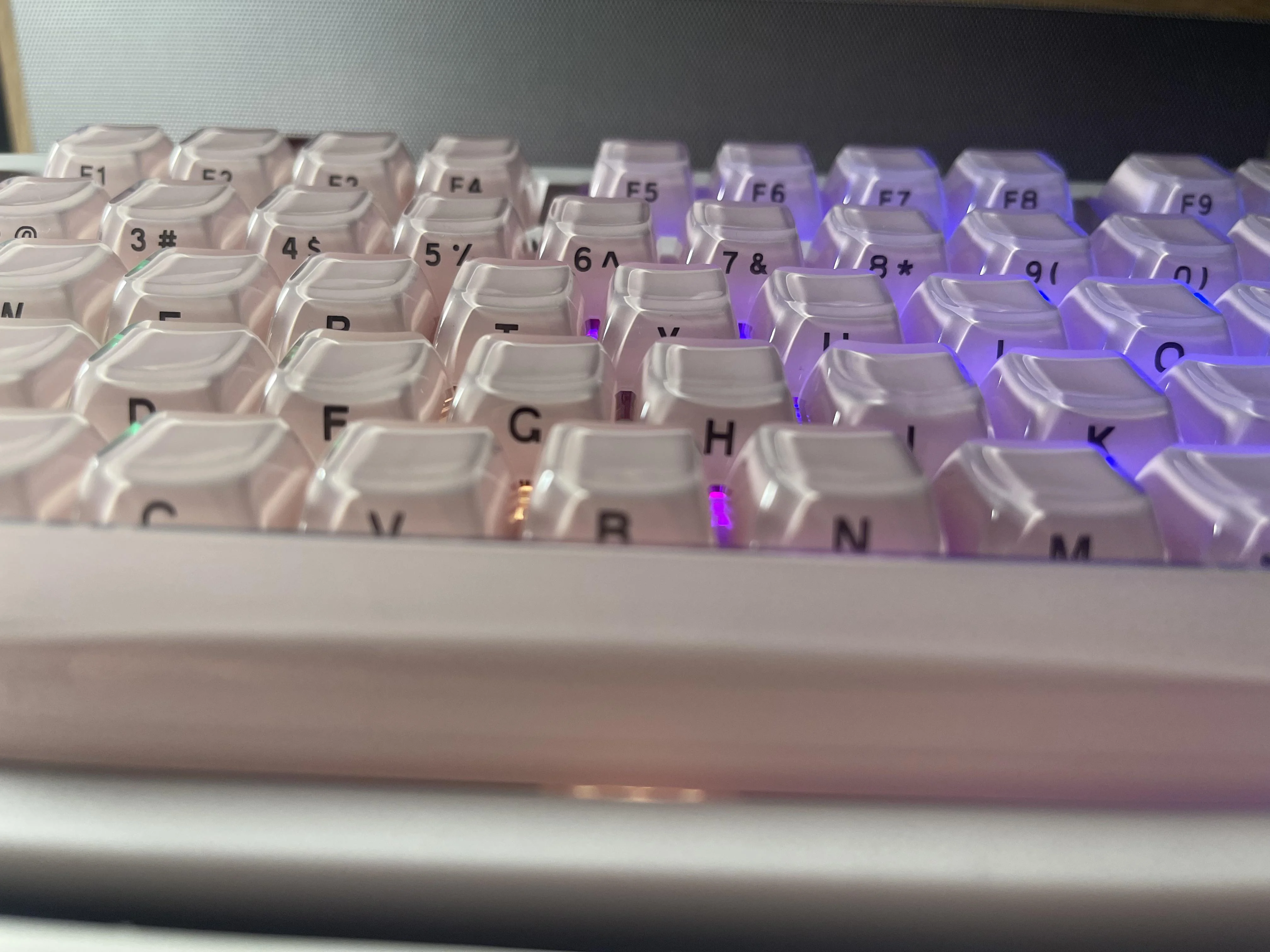
Not at all. Blue shades work beautifully as natural filters for RGB setups. When paired with clean white or soft ice-blue backlighting, they amplify the calming, premium aesthetic of your desk setup. If you are using solid non-shine-through ceramic, the light under-glow creates a stunning halo effect around each key.

Hinterlasse einen Kommentar
Diese Website ist durch hCaptcha geschützt und es gelten die allgemeinen Geschäftsbedingungen und Datenschutzbestimmungen von hCaptcha.