

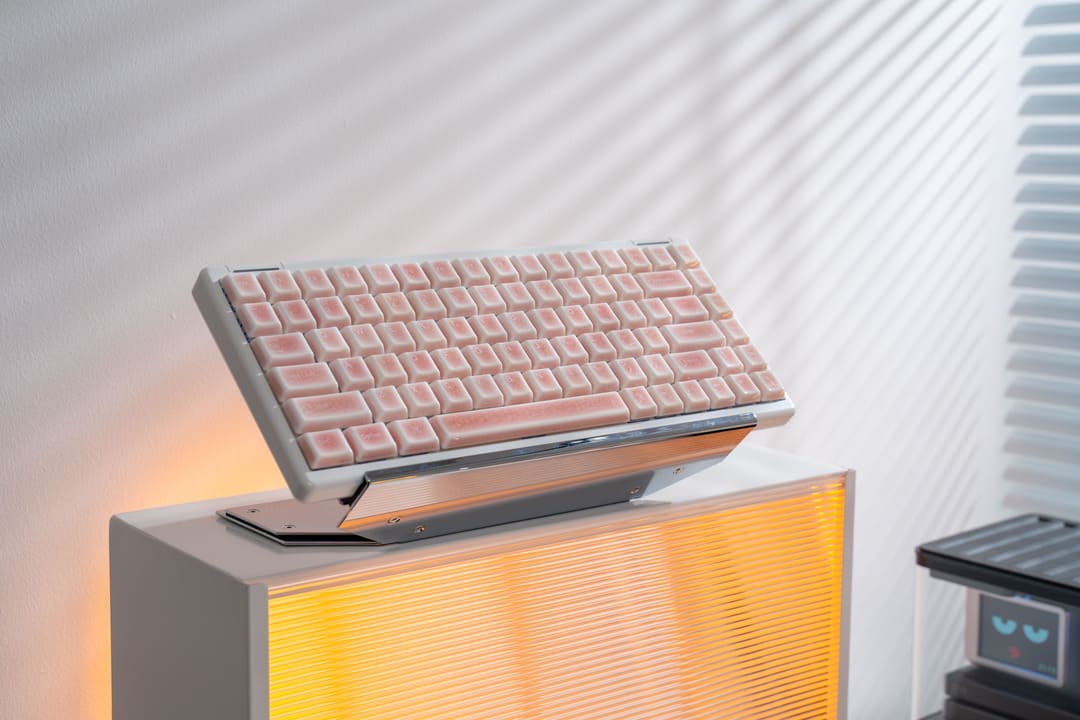
If you’ve spent any time scrolling through r/MechanicalKeyboards or watching desk setup tours on YouTube, you’ve probably noticed a trend: the massive, clunky 100% "Full-Size" keyboards are disappearing. In their place? The sleek, compact, and undeniably aesthetic 75% keyboard.
But is smaller actually better, or is it just a minimalist fad that will leave you hunting for missing keys?
As someone who has spent thousands of hours typing (and let’s be real, gaming), I’ve switched between these layouts more times than I can count. Here is the breakdown of the 75% vs. 100% debate to help you decide which belongs on your desk.
What Exactly is a 75% Keyboard?
Before we dive into the "why," let’s clarify the "what."
A 100% keyboard is the standard office slab—usually 104 or 108 keys, including the dedicated number pad (Numpad) on the right.
A 75% keyboard is the "compact enthusiast" choice. It keeps the core typing area, the dedicated Function row (F1-F12), and a slimmed-down column of navigation keys (like Delete, Page Up/Down). The magic? It squashes them all together, removing the Numpad and the "dead space" between key clusters.
The Case for 75%: Why It’s Winning the Internet
1. Ergonomics and "The Mouse Space"
This is the big one. If you’re a gamer or a creative professional, you need mouse room. On a 100% board, the Numpad forces your mouse arm way out to the right. This "wide stance" can lead to shoulder strain over long sessions.
- The 75% Fix: By cutting the Numpad, your hands stay closer together in a more natural, ergonomic position.
2. All the Function, Half the Bulk
Unlike the ultra-tiny 60% keyboards (which hide the F-row and arrow keys behind layers), the 75% layout is the "Goldilocks" zone. You still get your arrow keys and F-keys for gaming shortcuts or Excel macros, but without the redundant bulk.
3. Desktop Aesthetics
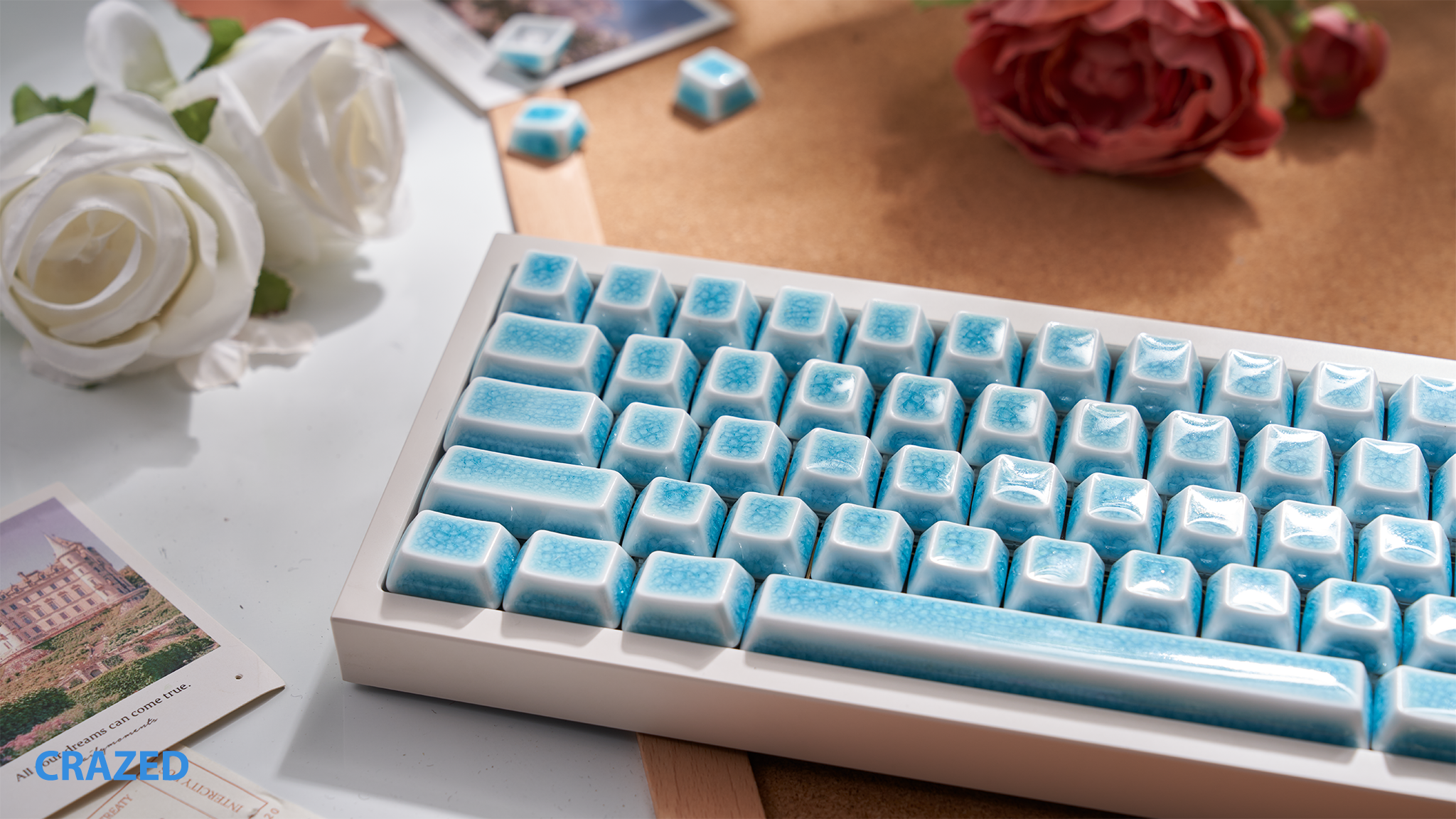
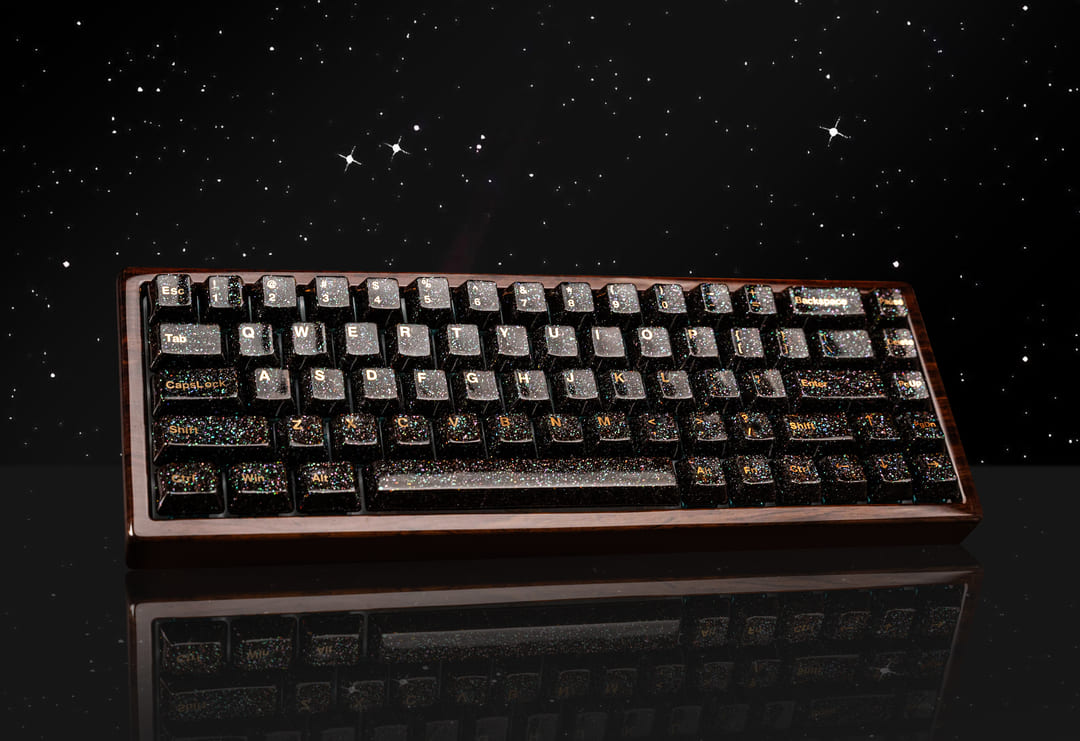
Let’s be honest: 75% boards just look cooler. Whether it’s a high-end aluminum case like the GMMK Pro or a budget-friendly rainy75, the compact footprint makes your desk look curated, not cluttered.
The Case for 100%: When Big is Still Beautiful
1. Data Entry is King
If your day-to-day involves punching numbers into spreadsheets, a 75% keyboard will feel like typing with one hand tied behind your back. You can use the top number row, but nothing beats the muscle memory of a dedicated Numpad.
2. No Learning Curve
A 100% board is what we grew up with. There are no "hidden layers" or oddly placed Shift keys to worry about. It’s plug-and-play in its purest form.
Comparison: 75% vs. 100% at a Glance
| Feature | 75% Keyboard | 100% Keyboard |
| Desk Space | Minimalist / Large Mouse Area | Large Footprint |
| Numpad | No (Requires external pad) | Yes (Dedicated) |
| Portability | High (Fits in most bags) | Low (The "Beast") |
| Ergonomics | Excellent (Centered posture) | Average (Wide arm span) |
| Best For | Gaming, Coding, General Writing | Accounting, Data Entry |
The Verdict: Which Should You Buy?
Choose a 75% Keyboard if:
- You want more room for your mouse to flick during gaming.
- You value desk aesthetics and a clean, organized workspace.
- You rarely use the Numpad but can't live without arrow keys.
Choose a 100% Keyboard if:
- You are an Excel power user or work in finance.
- You have a massive desk and don't care about the footprint.
- You prefer the traditional, familiar layout without any "compressed" keys.
Pro Tip: If you love the 75% look but occasionally need to crunch numbers, do what the pros do: Buy a 75% keyboard and a separate, matching wireless Numpad. You can tuck the Numpad away when you're gaming and bring it out when it's tax season.
Final Thoughts
At the end of the day, a keyboard is your most-used tool. The 75% layout isn't just a trend—it's a smarter use of space for the modern digital worker. But if that Numpad is your lifeline, don't let the "minimalist" police tell you otherwise.
What’s your take? Are you team Numpad or team Desk Space? Let us know in the comments below!
💡 Frequently Asked Questions (FAQ)
Q: Can I still use a Numpad with a 75% keyboard?
A: Yes! While a 75% keyboard doesn’t have a built-in Numpad, many enthusiasts buy a separate mechanical macro pad or wireless Numpad. This gives you the best of both worlds: a compact desk setup for gaming and a dedicated number pad for those occasional tax seasons or data entry sessions.
Q: Is a 75% keyboard good for gaming?
A: Absolutely. In fact, many consider 75% the best layout for gaming. It provides the extra mouse space of a TKL (Tenkeyless) board but keeps the essential F-keys (F1-F12) which are crucial for many MMOs, MOBAs, and RPGs. You get ergonomics without sacrificing functionality.
Q: What is the difference between a 75% and a TKL (80%) keyboard?
A: It’s all about the "gap." A TKL keyboard looks like a full-size board with the Numpad chopped off, leaving spaces between the arrows and navigation keys. A 75% keyboard "squishes" all those keys together into a dense, rectangular block. This makes 75% boards slightly smaller and, in many people's opinion, more aesthetically pleasing.
Q: Will I miss the keys removed from a 100% keyboard?
A: Most users find they only miss the Numpad. A 75% layout typically keeps the Arrow keys, Delete, Page Up, and Page Down. If you rarely use the "Scroll Lock" or "Pause/Break" keys, you probably won’t even notice they’re gone!
Q: Does it take long to get used to a 75% layout?
A: The learning curve is very shallow—usually 1 to 3 days. Since the core typing area and the F-row remain in their standard positions, your muscle memory stays intact. The only thing to watch out for is the slightly shorter right Shift key found on some compact 75% models.

Để lại bình luận
Trang web này được bảo vệ bằng hCaptcha. Ngoài ra, cũng áp dụng Chính sách quyền riêng tư và Điều khoản dịch vụ của hCaptcha.