


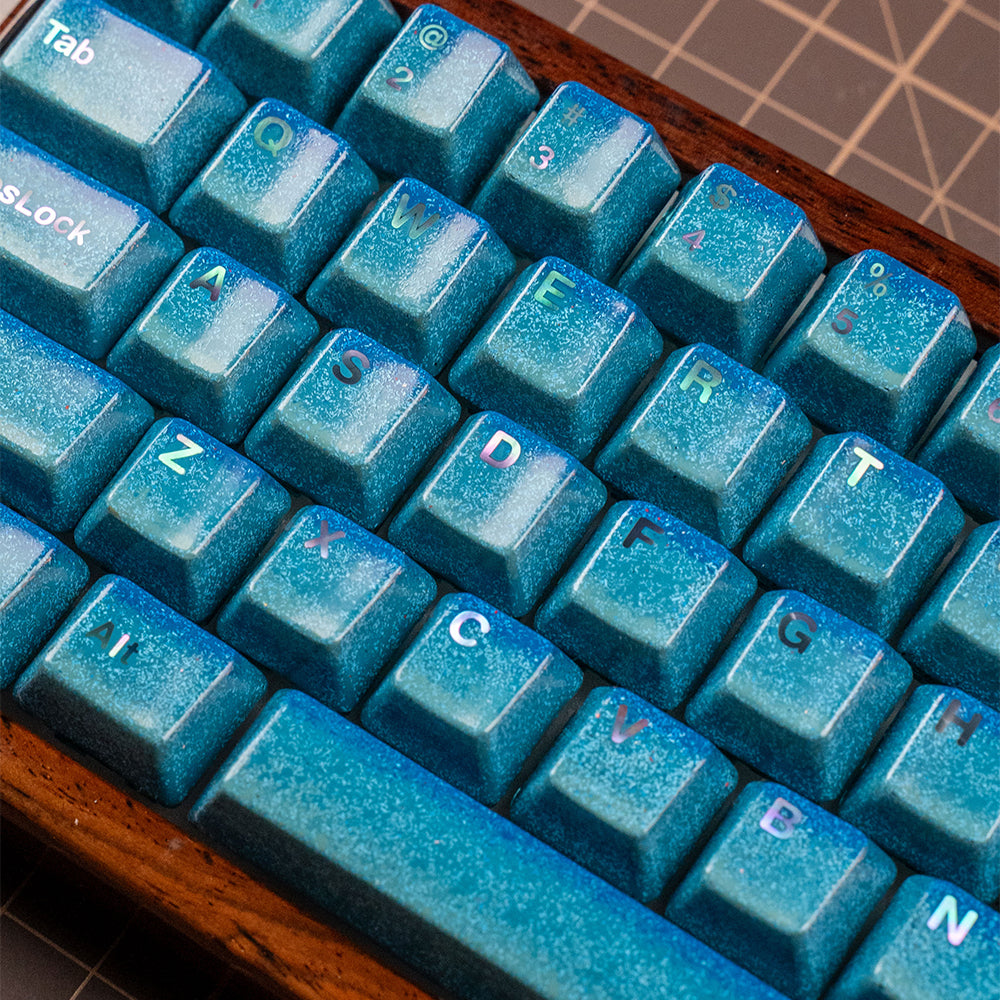


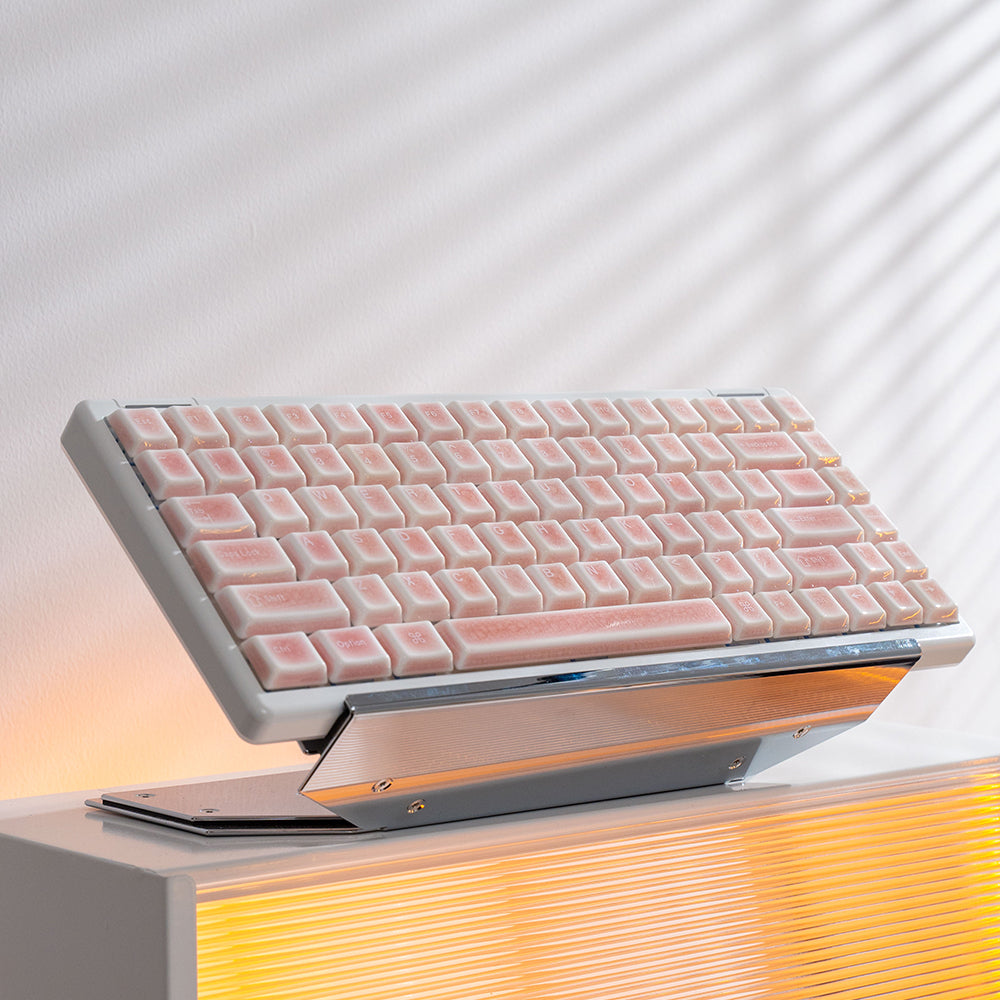
If you’ve spent any time on r/MechanicalKeyboards or tech YouTube lately, you’ve probably noticed a specific shape dominating the frame. It’s not the massive "battlestation" keyboards of the 2000s, nor is it the tiny, minimalist 60% boards that were all the rage five years ago.
It’s the 75% keyboard.
Currently, it’s the "Goldilocks" of the peripheral world. But why has this specific layout captured the hearts of everyone from elite coders to casual gamers? As someone who has spiraled down the mechanical keyboard rabbit hole, let me break down why this 75% trend is more than just an aesthetic fad.
What Exactly is a 75% Keyboard?
Before we dive into the "why," let’s clarify the "what."
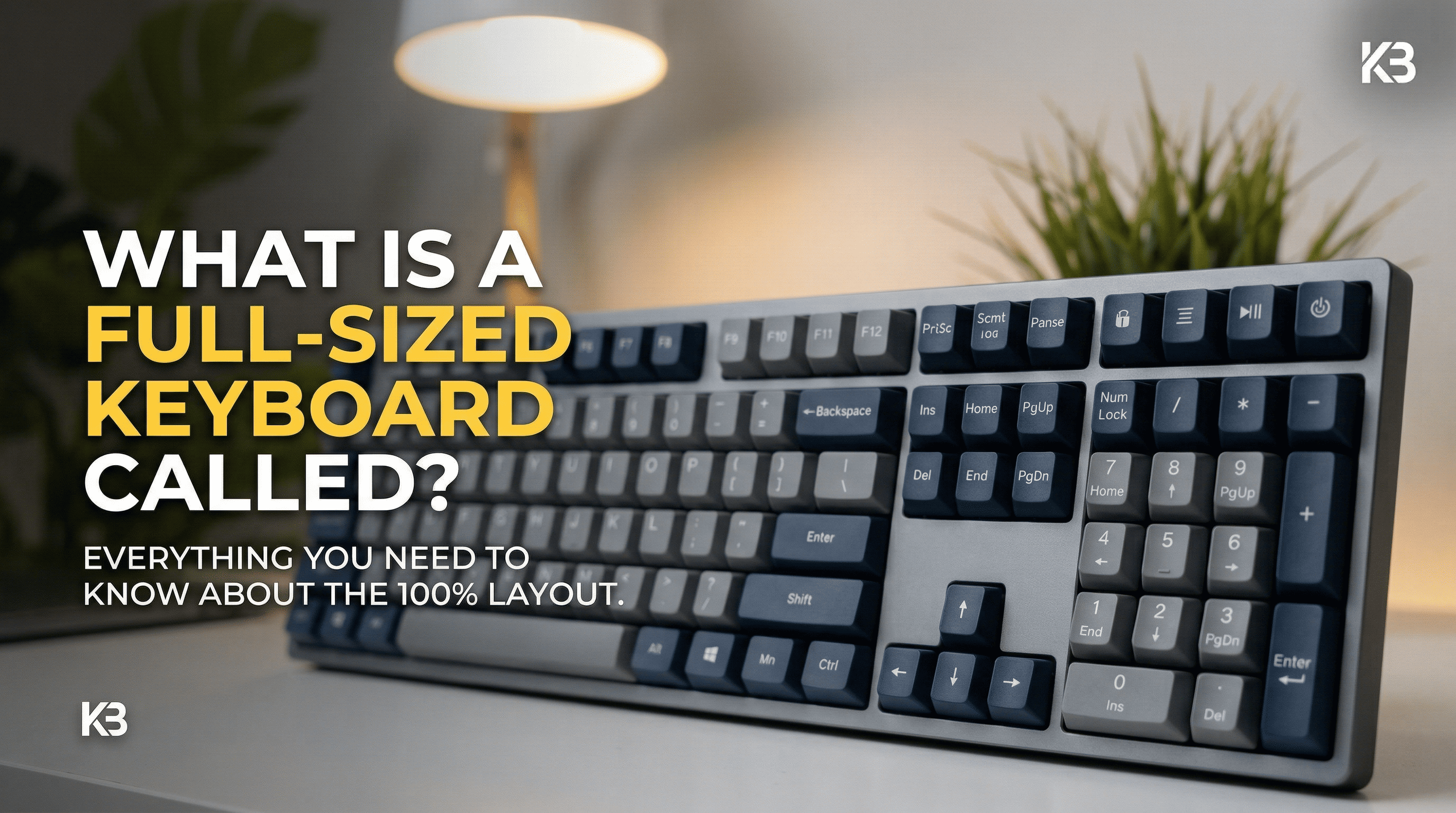
A 75% keyboard takes the standard "Tenkeyless" (TKL) layout and squishes it together. You lose the dedicated "home" cluster gaps, but you keep the Function Row (F1-F12) and the Arrow Keys. It’s basically a full-sized keyboard that’s been put through a high-end trash compactor—keeping the essentials while trimming the fat.
1. The Death of the "Desk-Estate" Tax
In the modern workspace, desk space is premium real estate.
- The Full-Size Problem: Standard keyboards are wide. They force your mouse hand way out to the right, which is a recipe for shoulder strain during long sessions.
- The 75% Solution: By removing the Number Pad (Numpad) and tightening the layout, you gain several inches of mouse room. This isn't just for "pro gamers" doing 360-flicks; it’s for anyone who wants a more ergonomic, centered typing posture.
2. The "Function" Factor (Vs. the 60% Struggle)
A few years ago, the 60% layout (no F-row, no arrows) was the "cool kid" on the block. But let’s be real: using layers for arrow keys is a pain.
The 75% layout won the popularity contest because it doesn't ask you to sacrifice your workflow.
- For Coders: You still have dedicated F-keys for debugging.
- For Writers: You have dedicated arrow keys for navigating text.
- The Result: You get the compact look without the steep learning curve. It’s efficiency without the "minimalist tax."
3. The "Knob" Era
Have you noticed that almost every popular 75% board (like the GMMK Pro, Keychron Q1, or the Rainy75) has a rotary knob?
There’s something incredibly satisfying about tactile volume control. This "media knob" trend largely started within the 75% community. It’s a small addition that makes a keyboard feel like a premium tool rather than a plastic peripheral.
4. Aesthetics: The "Thole" and the "Thock"
Let’s talk about the vibe. 75% keyboards look intentional. Because the keys are tightly packed, they often produce a deeper, more "solid" sound profile (often called "thock" by enthusiasts) compared to the hollow echo of larger, cheaper plastic boards.
In the age of Instagrammable desk setups, the 75% layout is the perfect balance of "high-tech" and "clean."
Is a 75% Right For You?
While I’m clearly a fan, it’s not for everyone.
| Pros | Cons |
| Ergonomic: Better shoulder alignment. | No Numpad: Terrible for Excel power users. |
| Full Functionality: Keeps F-row and Arrows. | Cramped Layout: Might take a day to get used to the right-side Shift/Alt keys. |
| Portability: Fits easily in a laptop bag. | Keycap Compatibility: Sometimes requires specific "short" right-shift keys. |
The Verdict: A Practical Revolution
The 75% keyboard is popular because it’s the first "enthusiast" layout that doesn't feel like a compromise. It respects your desk space while respecting your habits.
If you are still typing on a dusty full-sized membrane keyboard that came with your PC in 2018, the 75% layout is the single best upgrade you can make for your workspace.
What do you think? Are you a Numpad loyalist, or are you ready to reclaim your desk space? Let me know in the comments below!
Frequently Asked Questions (FAQ)
To help you decide if the 75% lifestyle is for you, we’ve rounded up the most common questions from our community.
Q: What is the main difference between TKL (Tenkeyless) and 75% keyboards?
A: Both layouts remove the Numpad, but TKL keyboards retain the wide spacing of a standard keyboard, including a separated arrow cluster and nav block. A 75% layout takes the TKL keys and condenses them, removing most gaps to minimize the footprint. In short: TKL is spaced out; 75% is compact.
Q: Are 75% keyboards good for programming and coding?
A: Yes, they are arguably the best layout for coding. Programmers rely heavily on the Function row (for debugging and shortcuts) and Arrow keys (for navigation). Unlike 60% keyboards, which require using "layers" for these functions, 75% keyboards have dedicated physical keys, maintaining your workflow speed while saving desk space.
Q: Can you game comfortably on a 75% keyboard?
A: Absolutely. In fact, many competitive gamers prefer 75% or smaller layouts. Removing the Numpad gives your mouse hand much more space to move, allowing for lower DPI settings and greater precision without hitting the keyboard. The retention of the arrow keys also means it's compatible with games that don't allow remapping (like some indie titles).
Q: How do I access the Numpad functions on a 75% keyboard?
A: If you occasionally need to crunch numbers, most 75% boards have a "hidden" Numpad layer. By holding down the Function (Fn) key, a cluster of letter keys will act as numbers. However, for heavy Excel users or accountants, a 75% board is not ideal. We recommend a dedicated 75% board paired with a separate, standalone mechanical Numpad.
Q: Will I need special keycaps for a 75% keyboard?
A: You might. While the main Alpha keys are standard, 75% layouts often use unconventional sizes for specific keys. For example, the right Shift key is usually smaller (1.75u instead of 2.75u), and the modifier keys to the right of the Spacebar (Alt, Fn, Ctrl) are often smaller as well. Look for keycap sets labeled as "75% compatible" or that include a "Compatibility Kit."

Leave a comment
This site is protected by hCaptcha and the hCaptcha Privacy Policy and Terms of Service apply.