




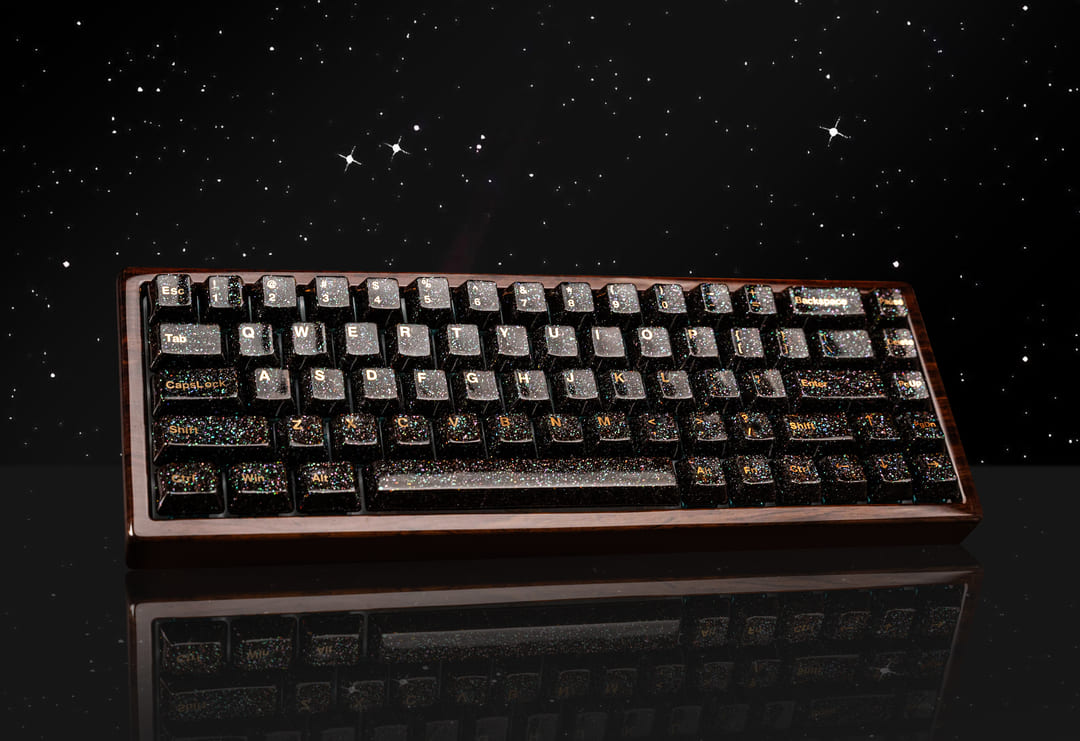
If you’ve spent any time on r/MechanicalKeyboards or tech YouTube lately, you’ve seen them: those ultra-compact, glowing slabs of plastic and metal that look like they’ve been chopped in half.
The 60% keyboard is the darling of the "minimalist desk setup" world. But as we move into 2026, with 75% boards and "Rapid Trigger" tech dominating the scene, the question remains: Is a 60% keyboard actually worth it, or is it just a desk-aesthetic trap?
I’ve spent the last three years rotating between full-size beasts and tiny 60% units. Here is the "human" breakdown of whether you should hit "buy" or keep your arrow keys.
What Exactly Are You Sacrificing?
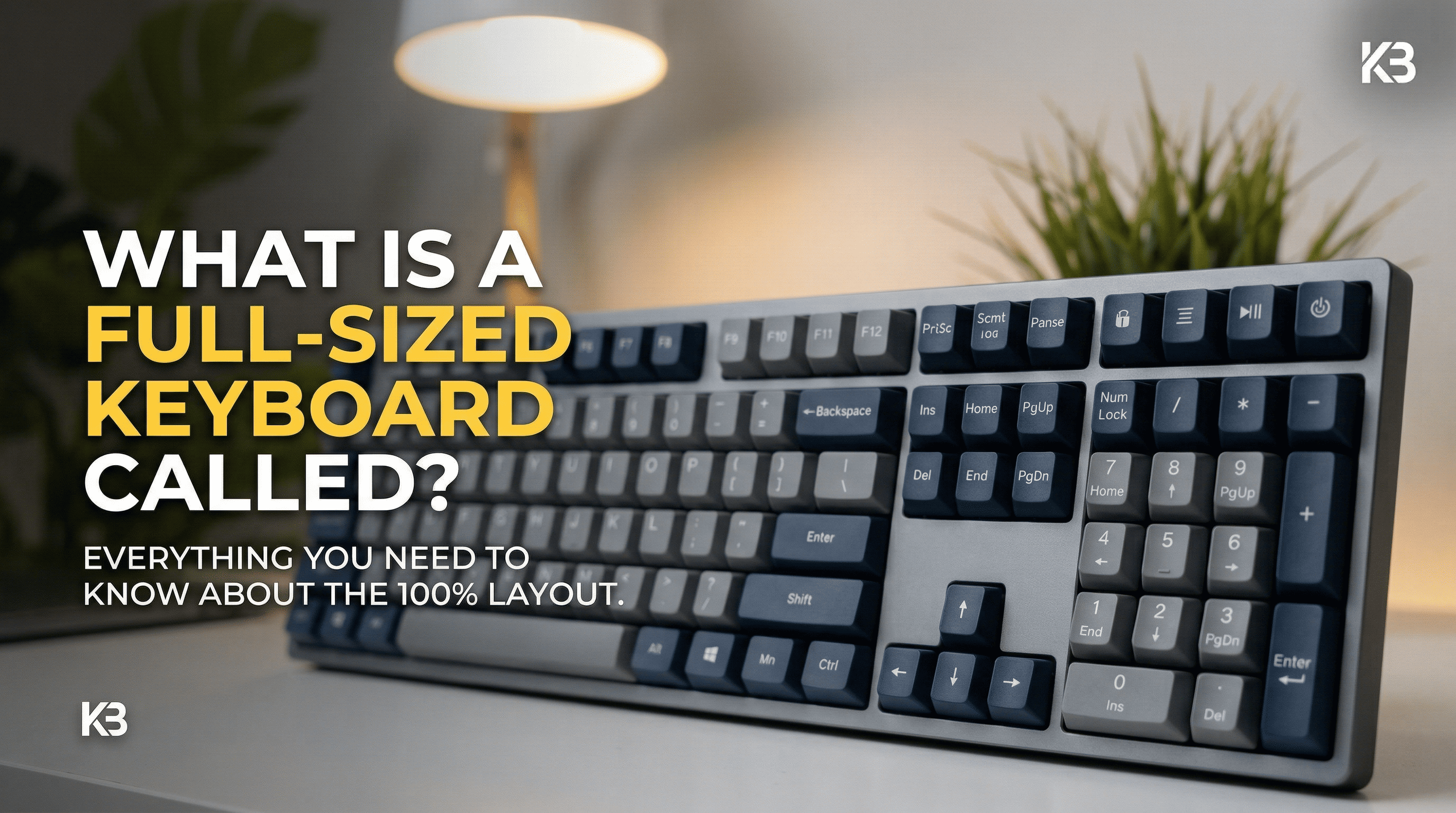
Let’s be real. A 60% keyboard isn't just "smaller." It’s a lifestyle change. You are ditching:
- The Numpad (Sorry, accountants).
- The Function Row (F1–F12).
- The Navigation Cluster (Home, End, Page Up/Down).
- The Arrow Keys (The big one).
To access these, you’ll use the Fn (Function) layer. It’s like learning a musical instrument; instead of pressing "Delete," you’re pressing Fn + [.
Why People Love Them (The "Pros")
1. The "FPS Advantage" is Real
If you play Valorant, CS2, or Apex Legends, you know the struggle: your mouse slams into the side of your keyboard during a flick shot. By removing the right side of the board, you gain massive "mousing real estate." In 2026, with the rise of Hall Effect (HE) switches in 60% layouts (like the Wooting or the latest Razer Huntsman Mini), the performance gap has never been wider.
2. Ergonomics (The Hidden Benefit)
Most people don't realize that a full-size keyboard forces your arms to V-shape outward to reach the mouse. A 60% board lets your shoulders stay in a natural, neutral position. Your back will thank you after an 8-hour session.
3. Portability
Tossing a 60% board into a backpack is a breeze. If you’re a digital nomad or someone who frequents LAN parties (yes, they still exist in 2026!), it’s the ultimate travel companion.
The "Human" Reality: The Learning Curve
I’ll be honest: The first 48 hours with a 60% keyboard suck. You will reach for the arrow keys and hit thin air. You’ll try to refresh a page with F5 and realize you need two hands to do it.
Pro Tip: If you are a coder or an Excel power user, stop right here. You probably want a 65% or 75% keyboard. Those extra two inches give you dedicated arrow keys back, which saves you roughly 400 "Fn-key headaches" per day.
2026 Market Comparison: Which One Should You Buy?
| Feature | 60% Keyboard | 65% Keyboard | 75% Keyboard |
| Desk Space | Maximum (Smallest) | Excellent | Moderate |
| Arrow Keys | No (Layers only) | Yes | Yes |
| Best For | Hardcore FPS Gamers | Writers / Casual Gamers | Productivity / All-rounders |
| 2026 Trend | Magnetic/HE Switches | Custom Keycaps | "Thocky" Sound Profiles |
Is It Worth It for YOU?
Yes, buy a 60% if:
- You play competitive shooters at low DPI.
- You have a tiny desk and want that "Pinterest-perfect" look.
- You want the fastest gaming tech (Hall Effect/Rapid Trigger) which is often pioneered on this size.
No, skip it if:
- You use Excel, Video Editors (Premiere/Resolve), or IDEs for work.
- The idea of "keyboard layers" sounds like homework.
- You actually like having a dedicated Delete key.
The Verdict
In 2026, a 60% keyboard is worth it as a specialized tool, not necessarily as a general-purpose one. If you’re a gamer, it’s a game-changer. If you’re writing your next novel or crunching numbers, it’s a frustration-generator.
My recommendation? If you're on the fence, look at a 65% keyboard. It’s the "Goldilocks" of the keyboard world—all the space savings of a 60%, but you keep your precious arrow keys.
Ready to upgrade your desk? Would you like me to recommend the top 3 60% keyboards currently dominating the 2026 market based on your budget?
🛠️ Frequently Asked Questions (FAQ)
1. Is a 60% keyboard good for coding or office work?
To be honest, it depends on your patience. If your workflow relies heavily on the Function Row (F1-F12) or Arrow Keys (like navigating lines of code or Excel cells), a 60% keyboard will slow you down initially. However, many developers swear by them because they can program custom "layers," keeping their hands in the "home row" without reaching for distant keys.
2. How do I use Arrow Keys on a 60% keyboard?
Most 60% boards use a Function (Fn) modifier. For example, you might hold the Fn key and use I, J, K, L or W, A, S, D as your arrows. Some modern 2026 models also feature "Tap Layers"—tap the key for an arrow, hold it for its standard function.
3. Are 60% keyboards better for gaming?
Yes, specifically for FPS (First-Person Shooter) players. The smaller footprint allows for a wider range of mouse movement, which is crucial for low-DPI gaming. In 2026, many 60% boards also feature Hall Effect (HE) switches, offering "Rapid Trigger" technology that gives you a competitive edge in movement-heavy games like Valorant.
4. What is the difference between a 60% and a 65% keyboard?
The 65% keyboard is slightly wider (usually by one column) to accommodate dedicated arrow keys and a few navigation keys like Delete or Page Up. If you’re worried about the learning curve of a 60%, a 65% is the perfect middle ground.
5. Can I customize a 60% keyboard?
Absolutely. The 60% layout is the most standardized in the mechanical keyboard world. This means you’ll have the easiest time finding custom cases, plates, and keycap sets compared to any other size.

แสดงความคิดเห็น
เว็บไซต์นี้ได้รับการคุ้มครองโดย hCaptcha และมีการนำนโยบายความเป็นส่วนตัวของ hCaptcha และข้อกำหนดในการใช้บริการมาใช้